
Platform
01
macOS
Disk image (Universal)
Apple silicon and Intel Macs.
Standalone for macOSOther FigCraft files for macOS
01FigCraft
 08FigCraft
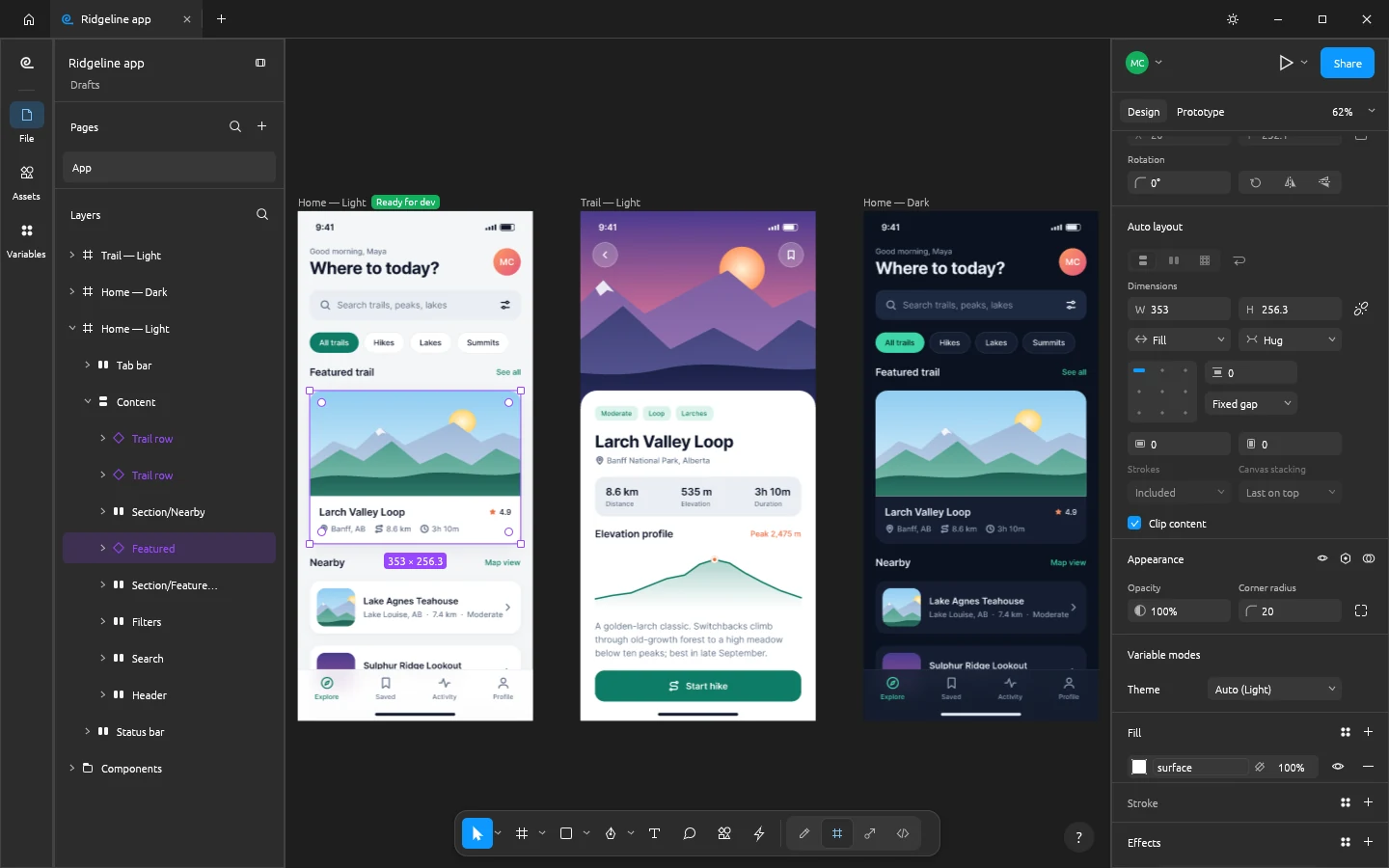
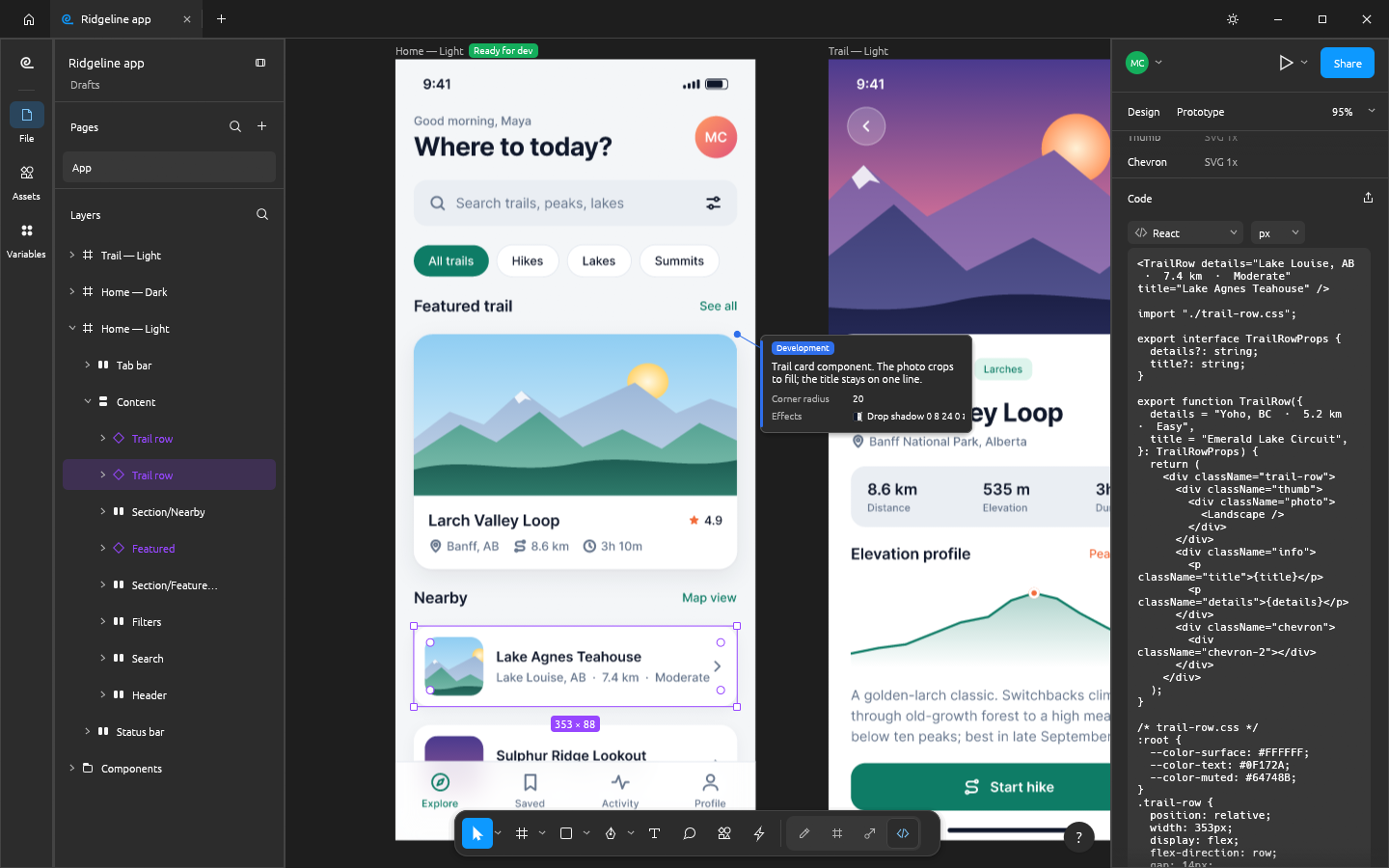
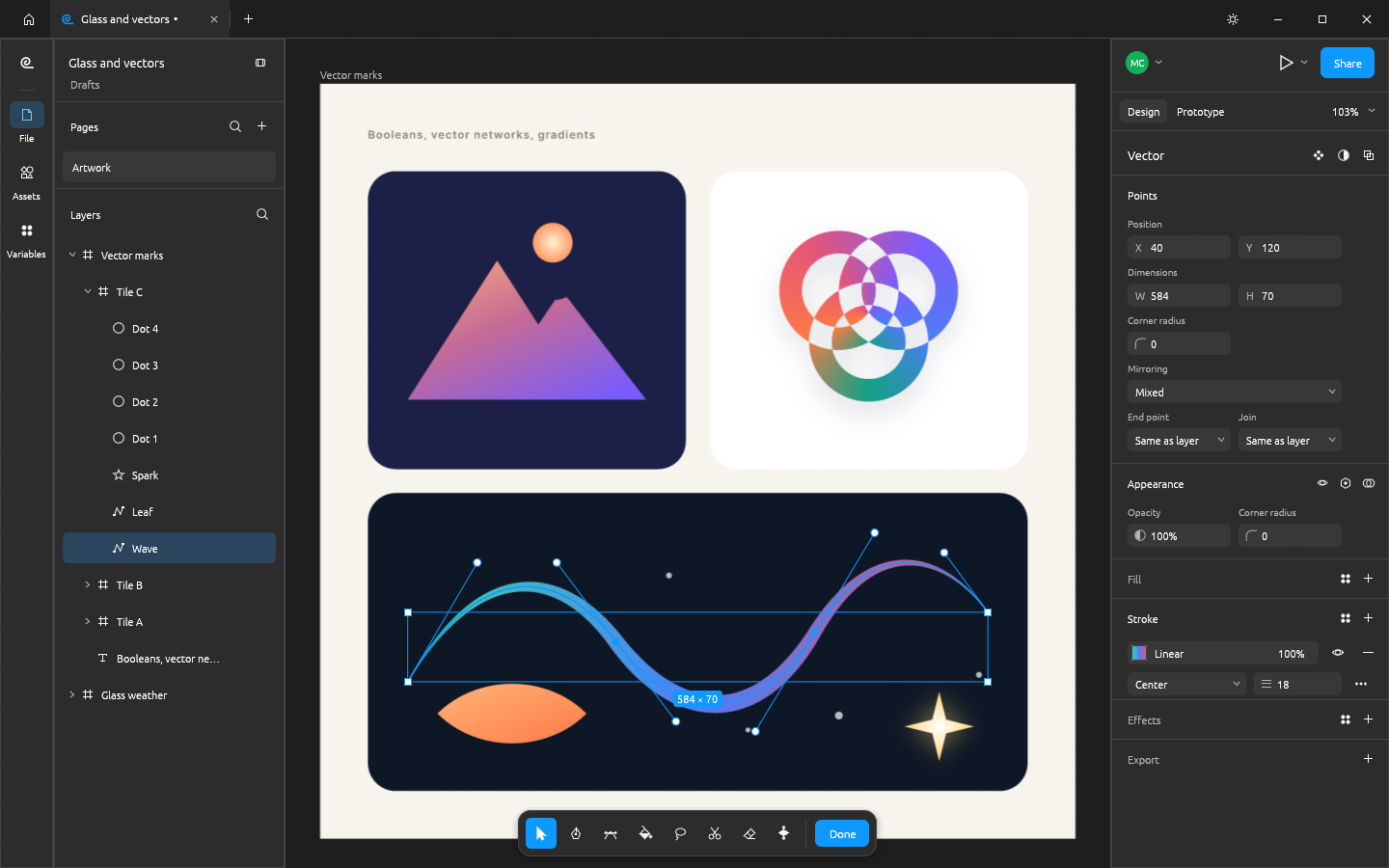
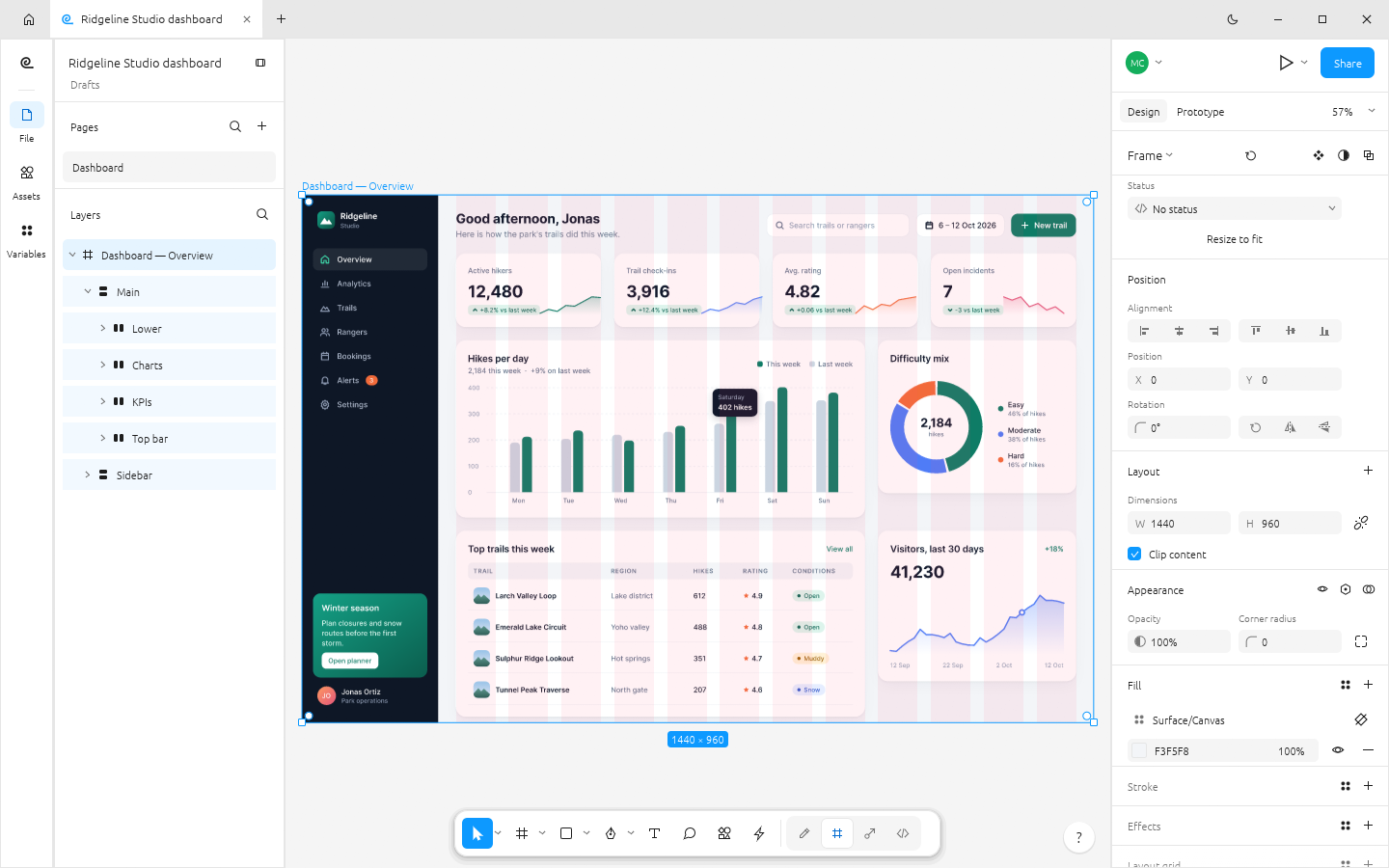
Frames, auto layout, components and variants, vector networks, styles, variables and prototypes in a native app that opens instantly and works offline. No account, no telemetry, no subscription.
macOS · Windows · Linux · Web · Free and open source
Screenshot
02Live sessions
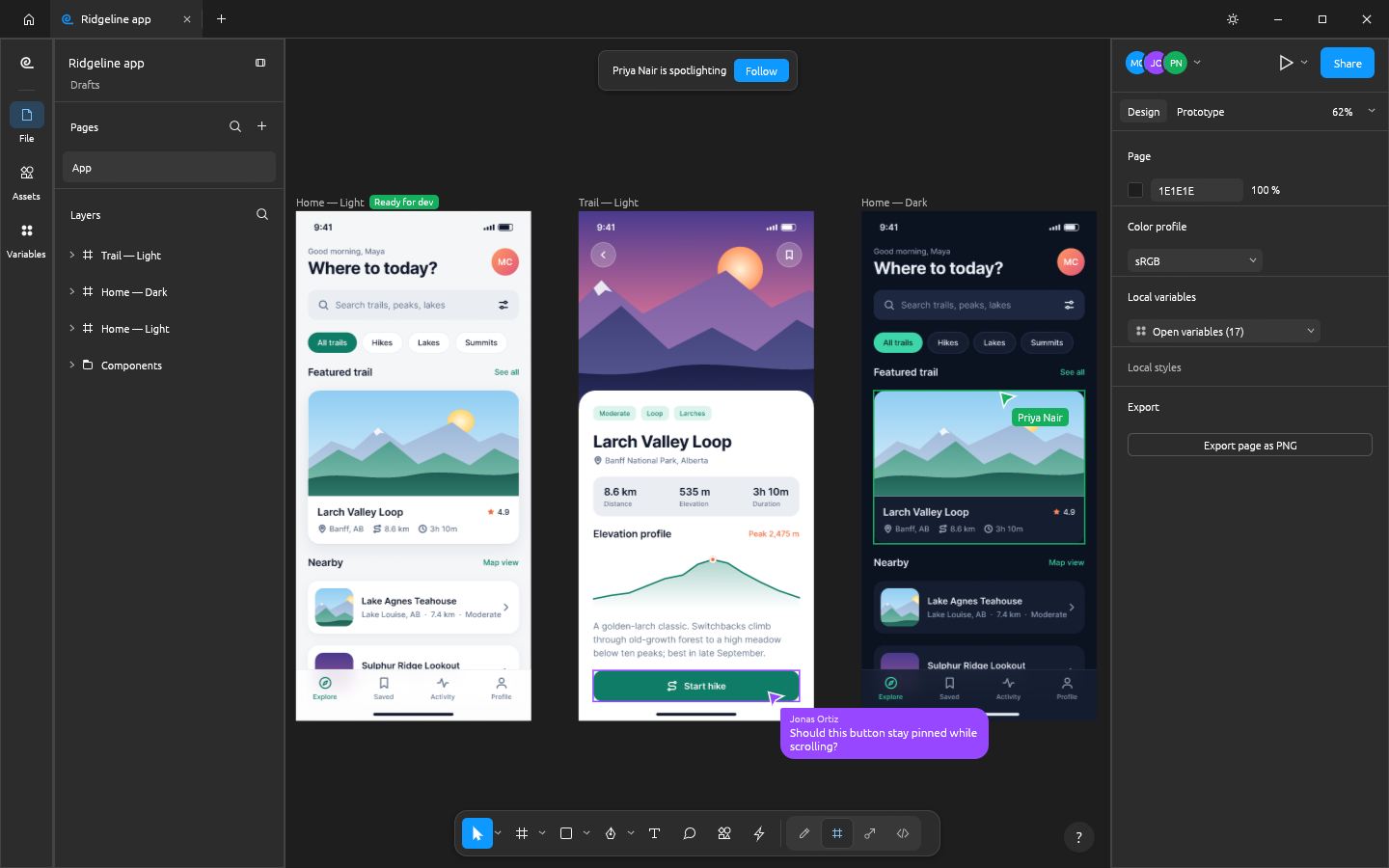
Host the open file from the app or a server of your own, share the invite link, and edit it together. Changes sync live with cursors, selections and cursor chat, and undo takes back only your own.
03Highlights
01
The toolbar, layers panel, Design panel, menus and shortcuts sit where your hands expect them. Productive on day one, no retraining.
02
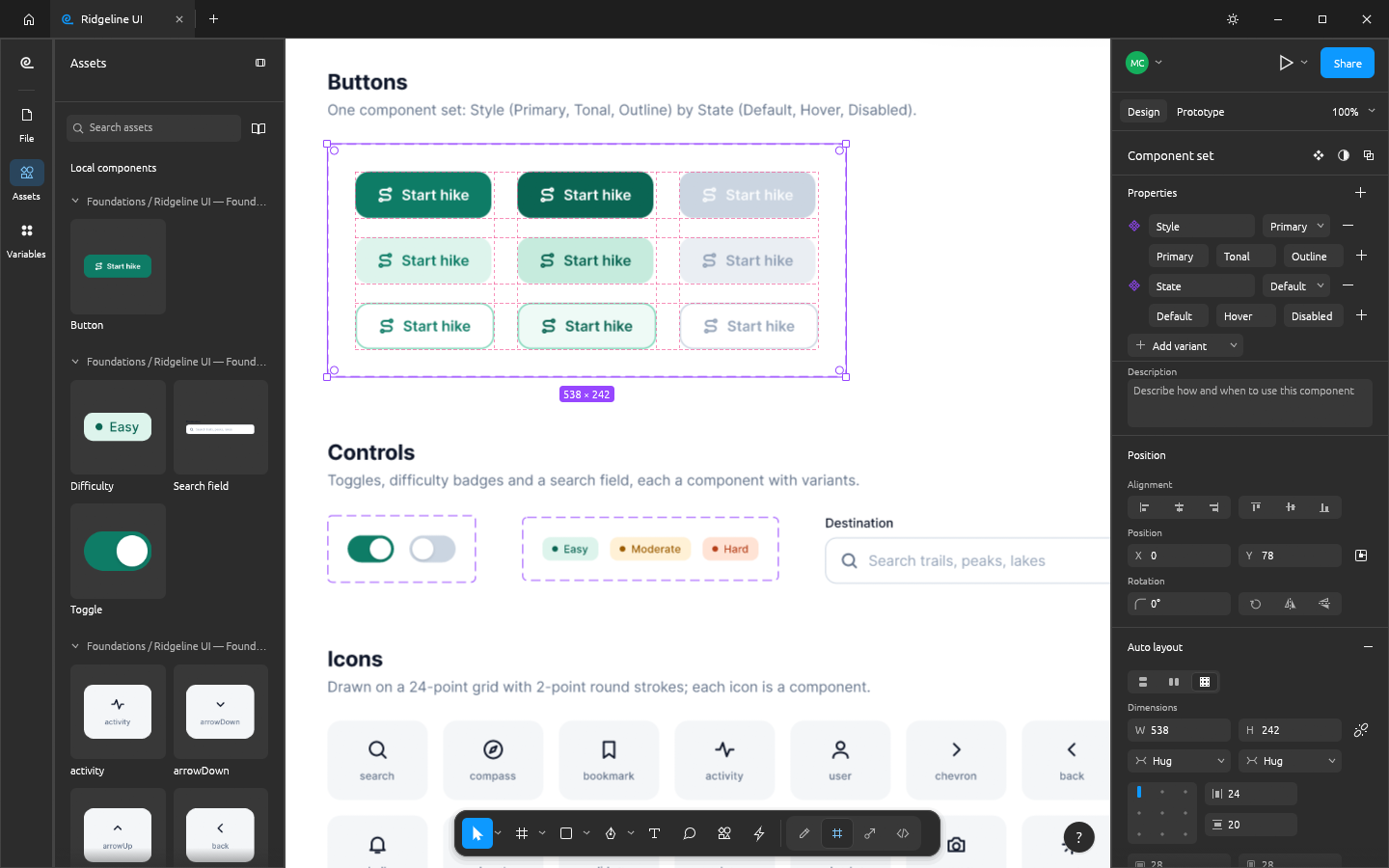
Auto layout in both directions with wrap and grid, padding, gaps and Hug, Fill and Fixed sizing, plus constraints and layout grids for everything else.
03
Instances with overrides that survive edits, component sets with variants and properties, and styles and variables with modes for light and dark.
04
Pen and pencil, a shape builder, booleans whose operands stay editable, variable-width strokes and smooth corners.
05
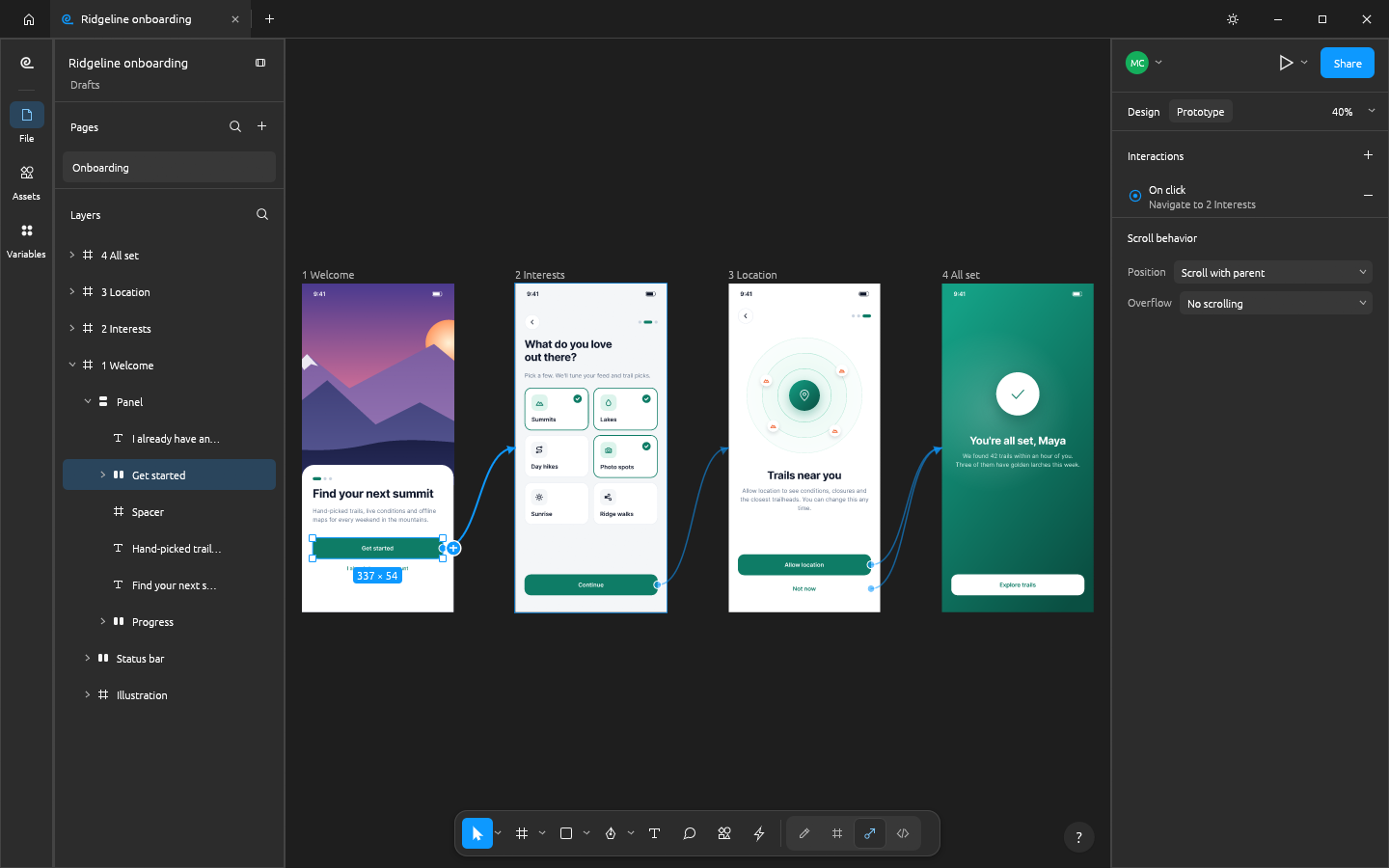
Connections, triggers and animated transitions, a presentation view, and Dev Mode with measurements, annotations and generated CSS, HTML, React, SwiftUI and Compose code.
06
Every menu item, tool and gesture runs one of 400+ commands, so the CLI, a JSON control channel and an MCP server can do anything you can click.
04Screenshots
 Full size
 Full size
 Full size
 Full size
 Full size
 Full size
05Get FigCraft
Option 1 · Recommended
ArtCraft Launcher installs FigCraft and every other Crafting App from one place, picks the right build for your computer and keeps them all up to date. Install it once and every update is a click away.
Option 2 · Standalone
These installers add FigCraft on its own, without the launcher. Come back here for new versions, or install the launcher later and it will find FigCraft and keep it updated.
Platform
01
Disk image (Universal)
Apple silicon and Intel Macs.
Standalone for macOSOther FigCraft files for macOS
Platform
02
Installer (64-bit)
Most Windows 10 and 11 PCs.
Standalone for WindowsOther FigCraft files for Windows
Platform
03
Flatpak (x86_64)
Sandboxed. Install with flatpak install --user.
Standalone for LinuxOther FigCraft files for Linux
Release
Free for every platform above. Questions or feedback? The team is in the ArtCraft Discord.
Other downloads
Build from source
Needs Rust 1.95 or newer. New to Rust? Install it with rustup, then run:
git clone https://github.com/storytold/figcraft.git
cd figcraft
cargo run --release -p figcraft06The family
Image editor
The open-source image editor you already know how to use.
Explore PhotoCraftVector illustration
Fast, open-source vector illustration, reimagined in pure Rust.
Explore VectorCraftVideo editor
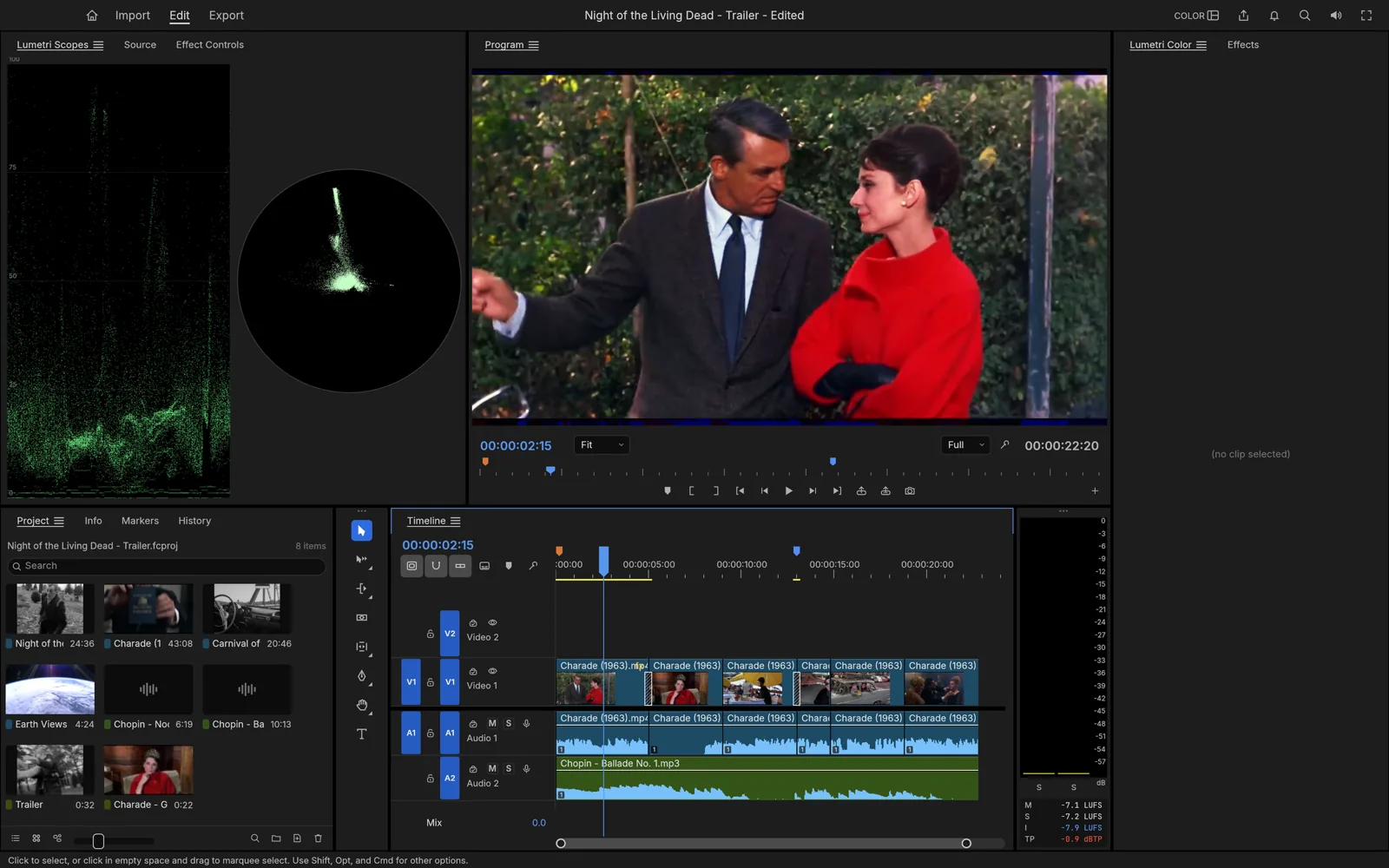

Professional, open-source video editing, rebuilt from scratch in Rust.
Explore FilmCraftPhoto library & raw developer
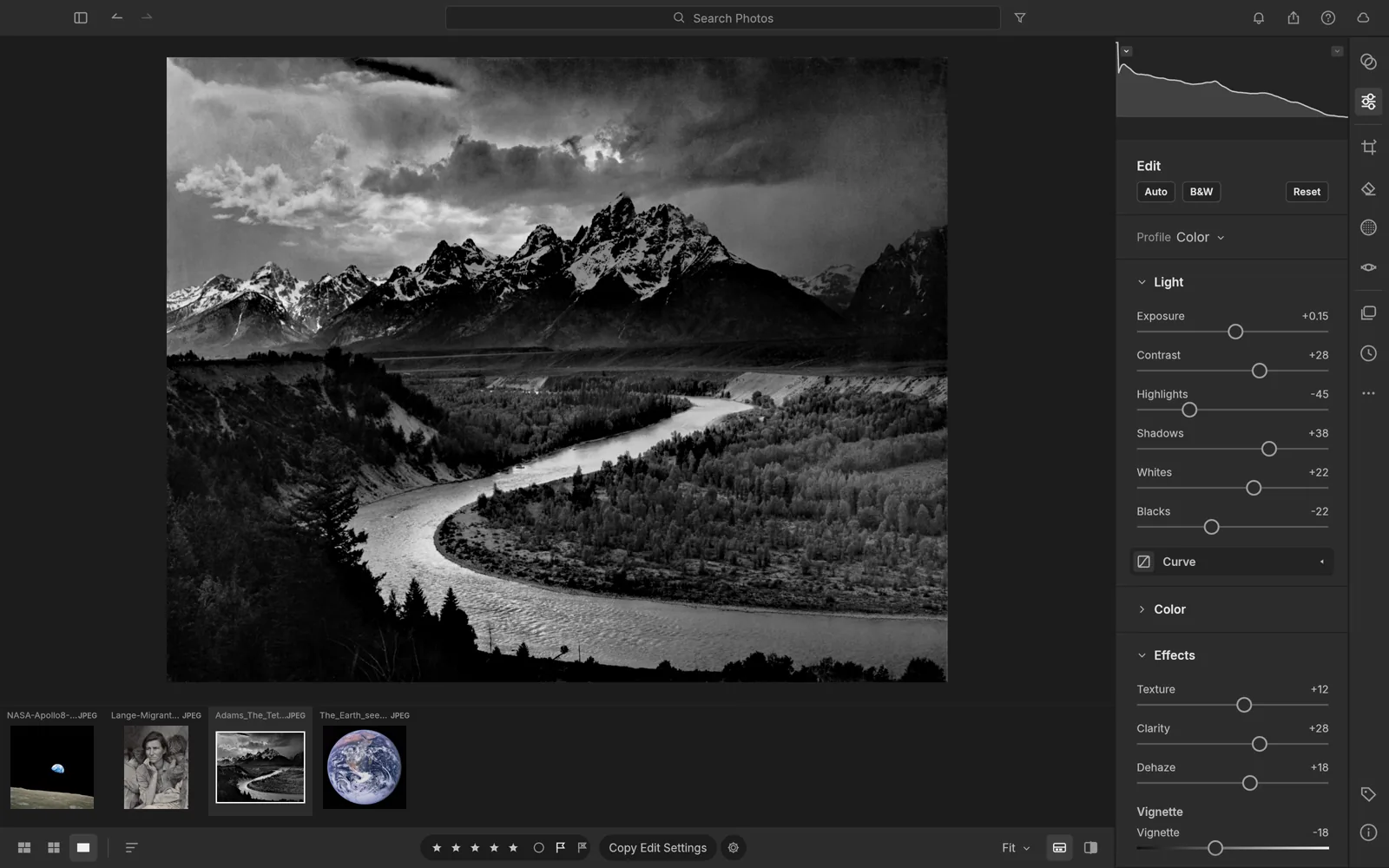
An open-source photo library and raw developer that runs on your machine.
Explore LightCraftPDF workbench
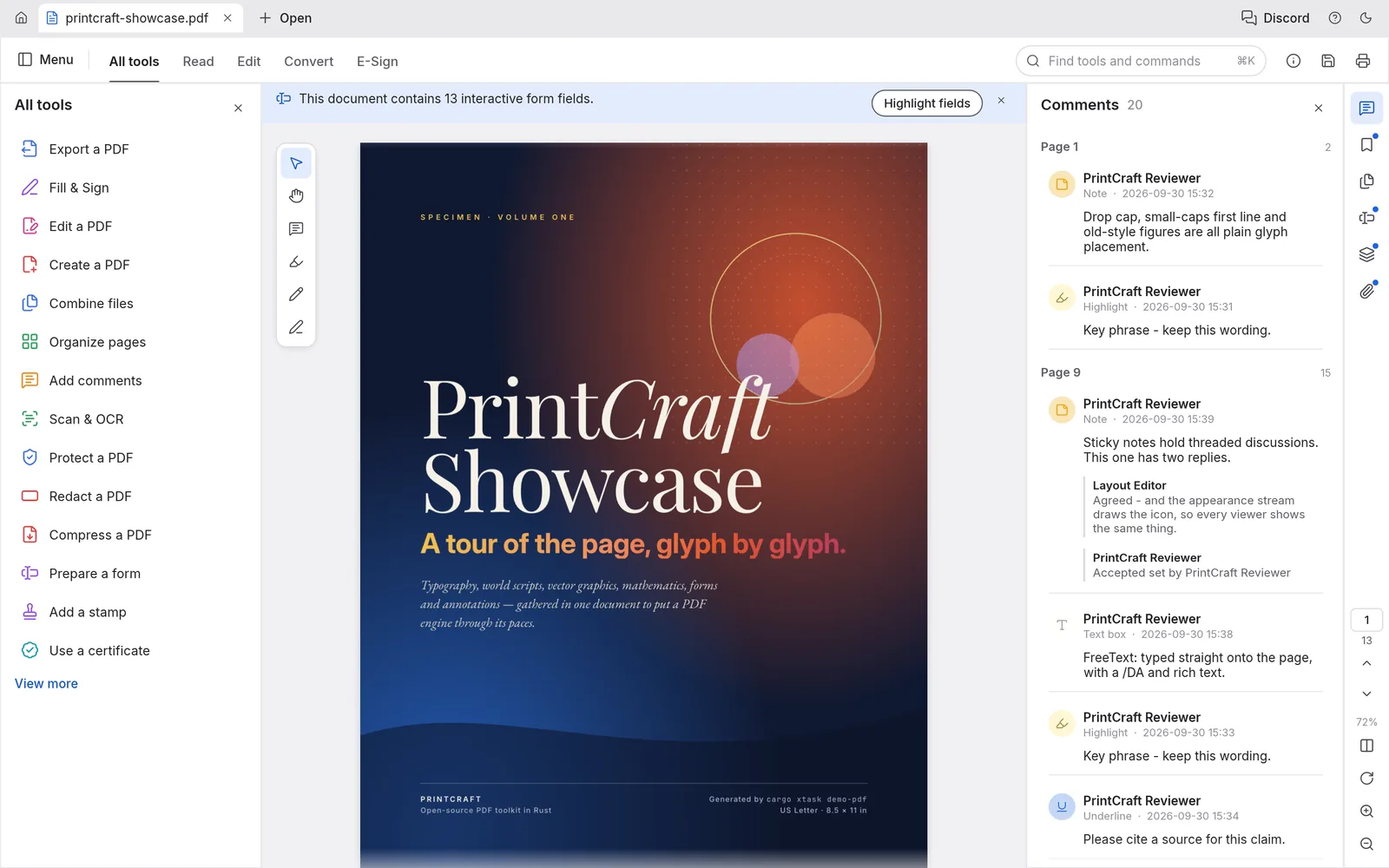
The open-source PDF workbench: read, organize, combine, split and secure.
Explore PdfCraftMotion graphics & VFX
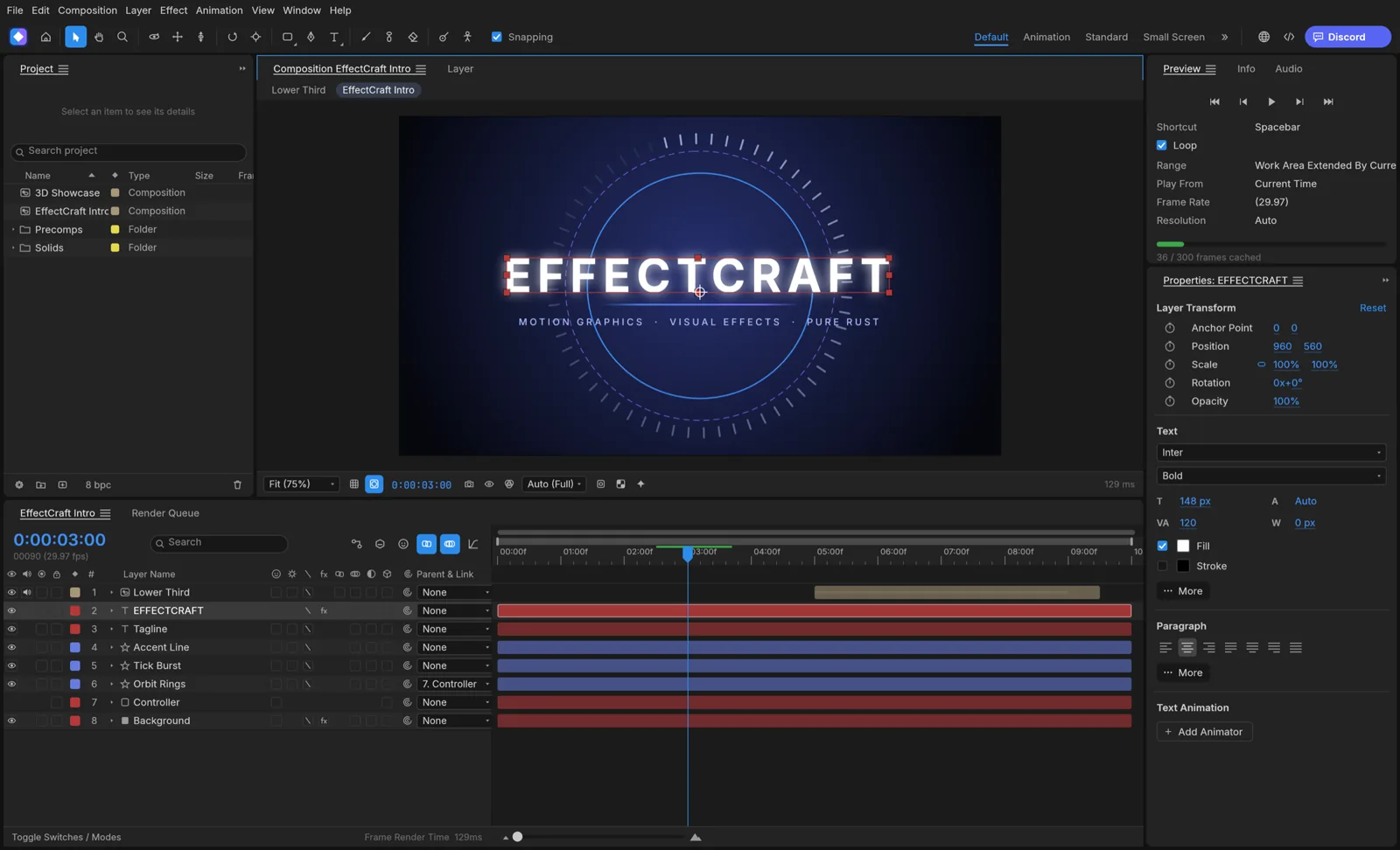

Open-source motion graphics and visual effects, built in pure Rust.
Explore EffectCraftPage layout & publishing
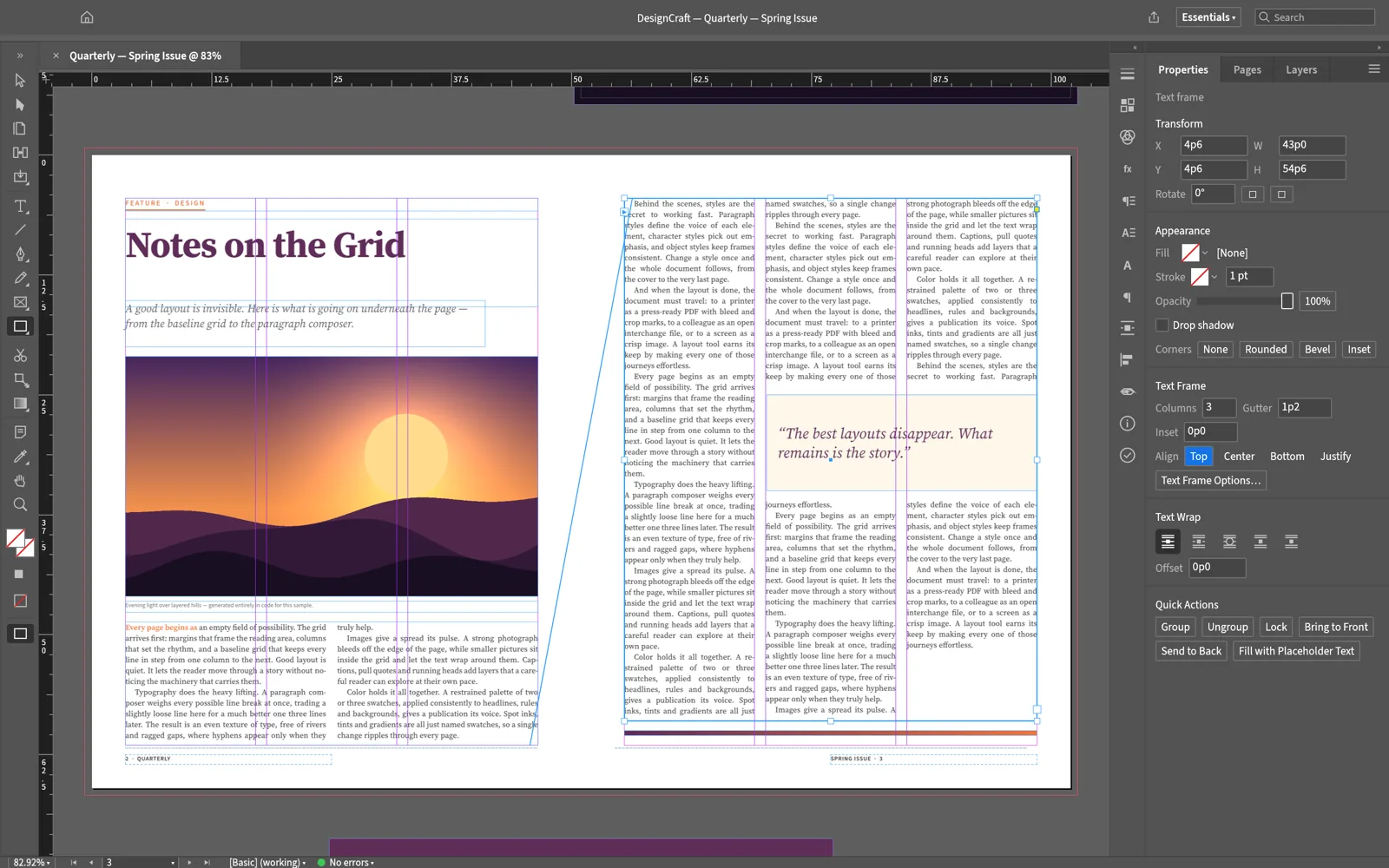
Open-source page layout and publishing, rebuilt in pure Rust.
Explore DesignCraftWord processing
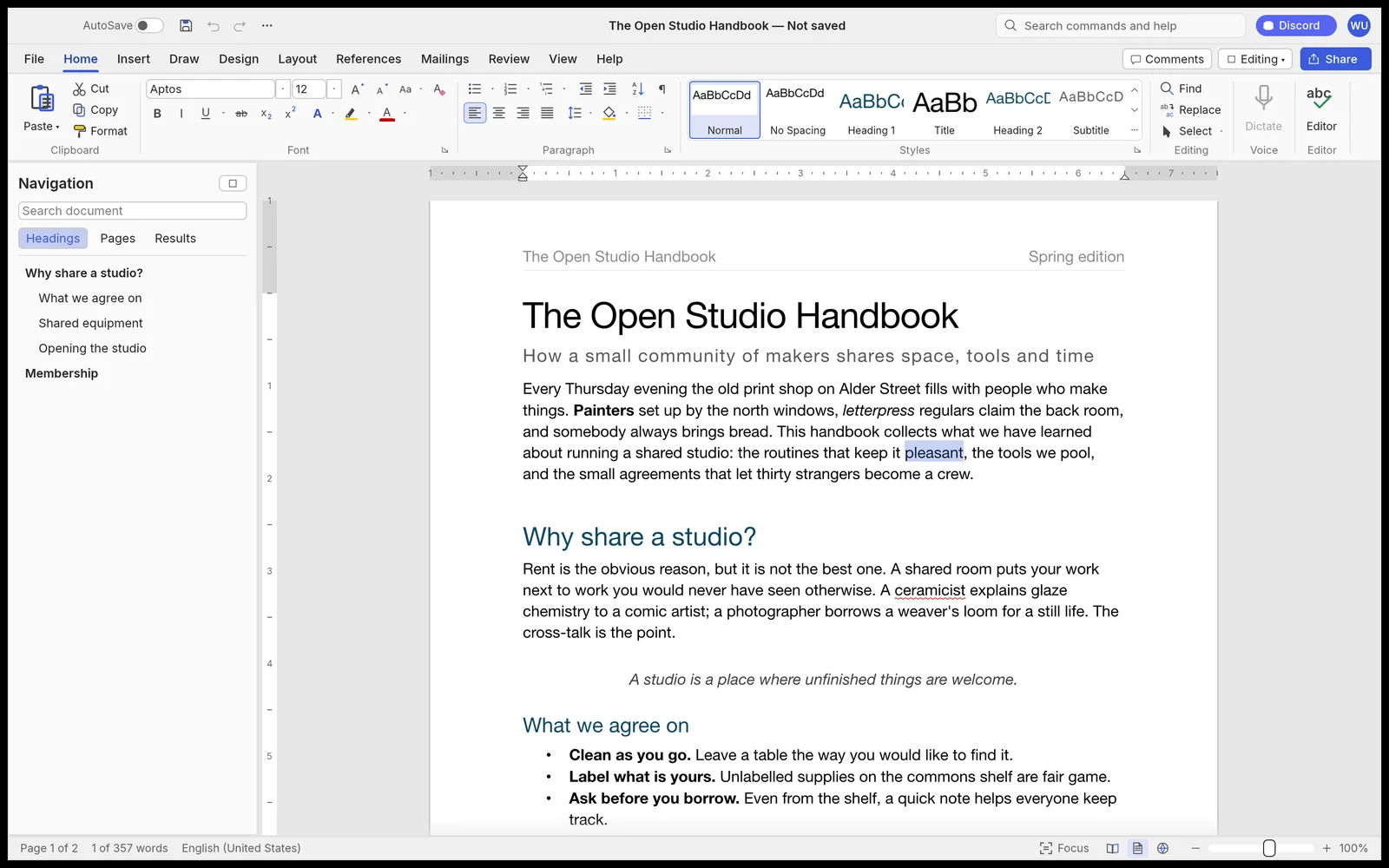

Fast, open-source word processing, rebuilt in pure Rust.
Explore WordCraftDigital audio workstation
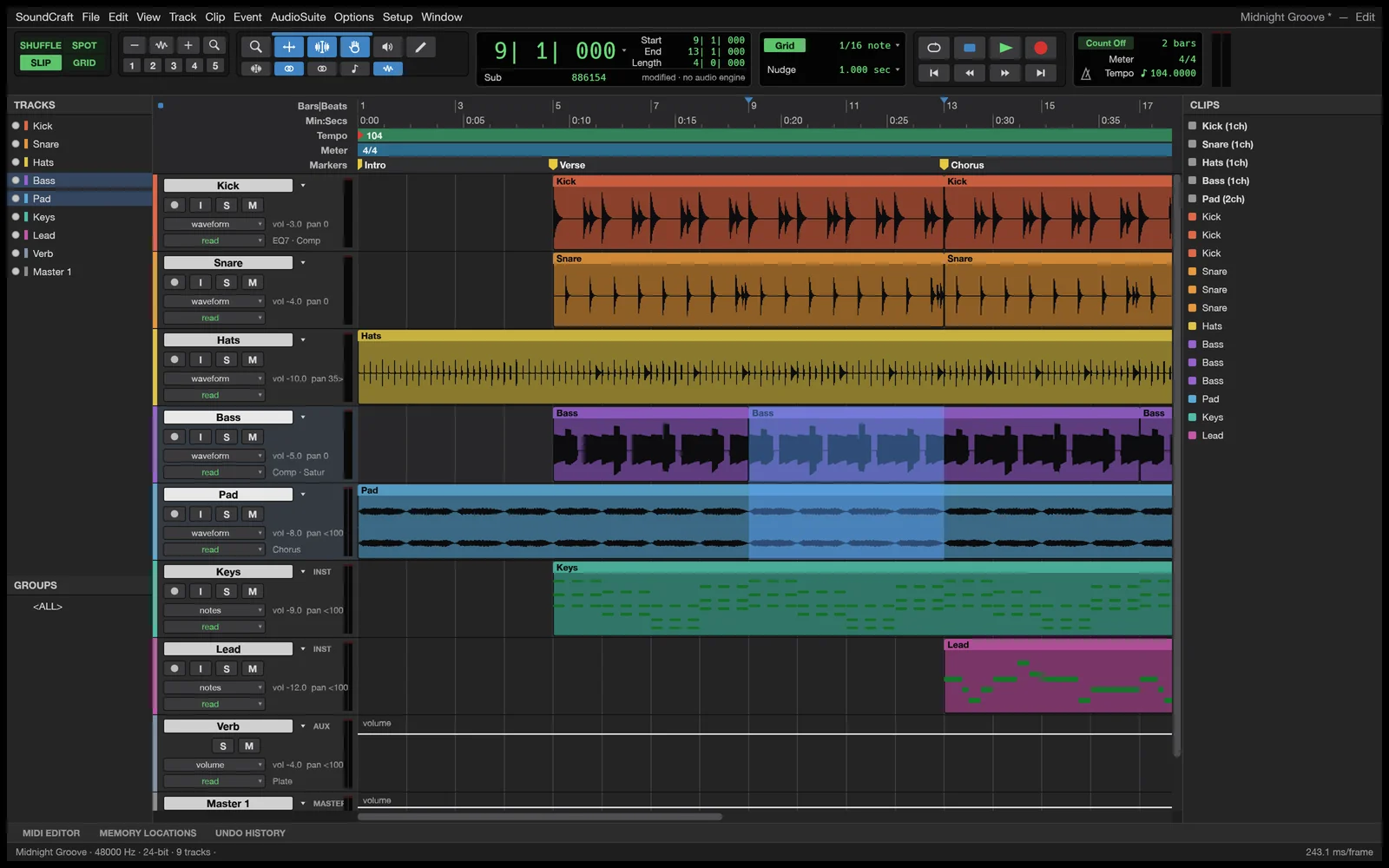
Professional audio recording, editing and mixing in pure Rust.
Explore SoundCraftPresentations & slide shows
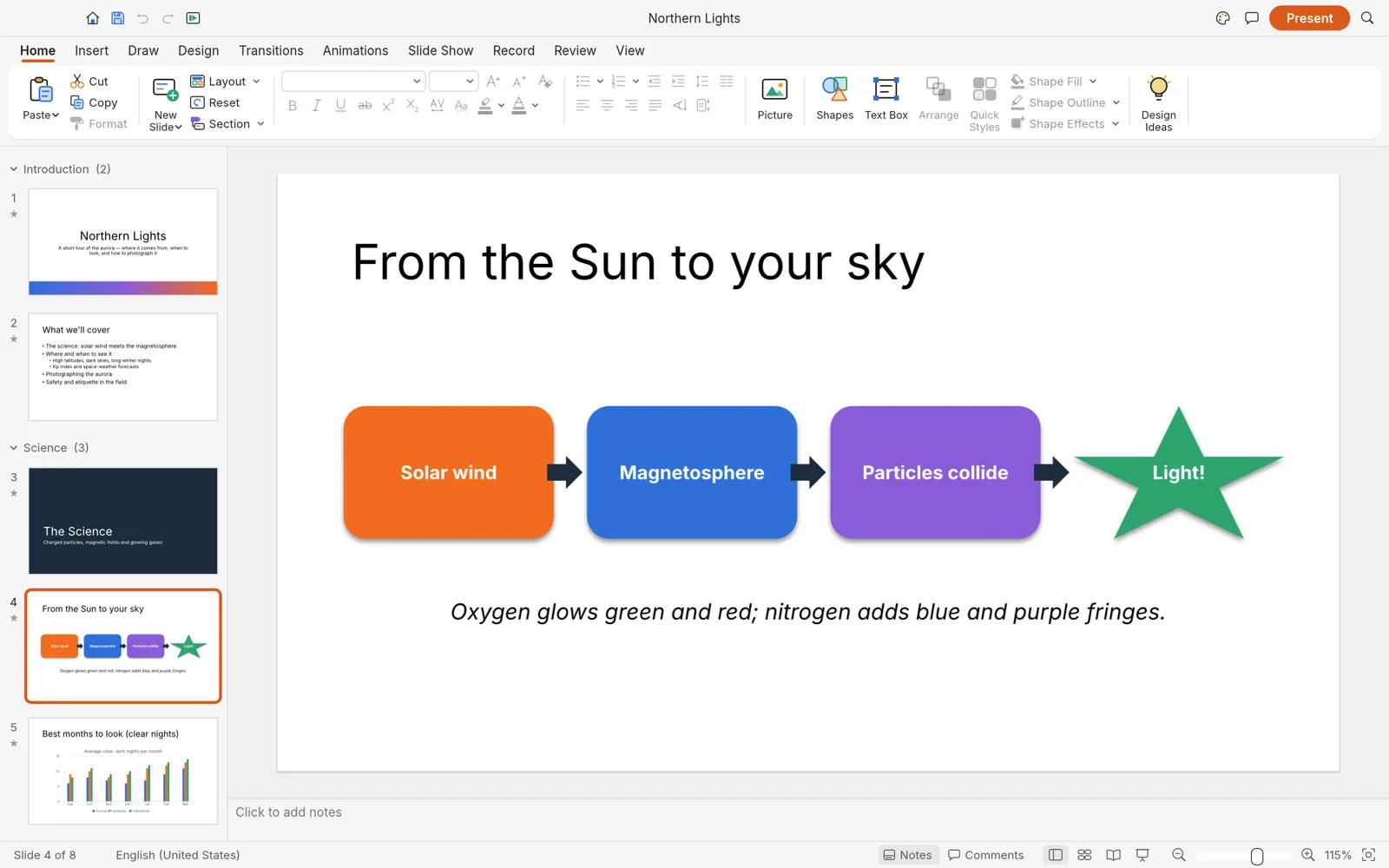

Build and deliver dynamic slide presentations, in pure Rust.
Explore DeckCraftComputer-aided design & drafting
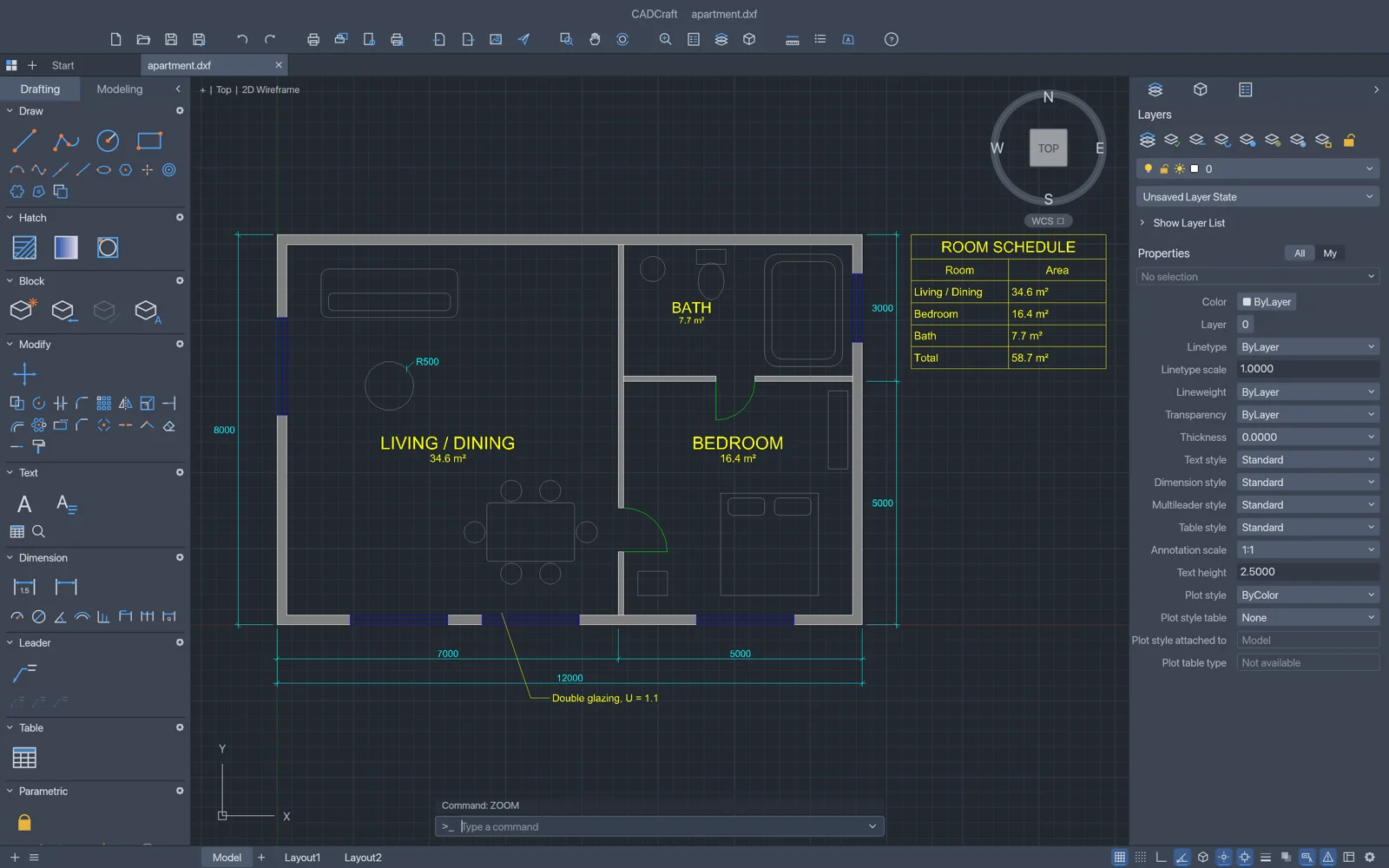
Fast, open-source computer-aided design and drafting in pure Rust.
Explore CADCraftSpreadsheets & data analysis
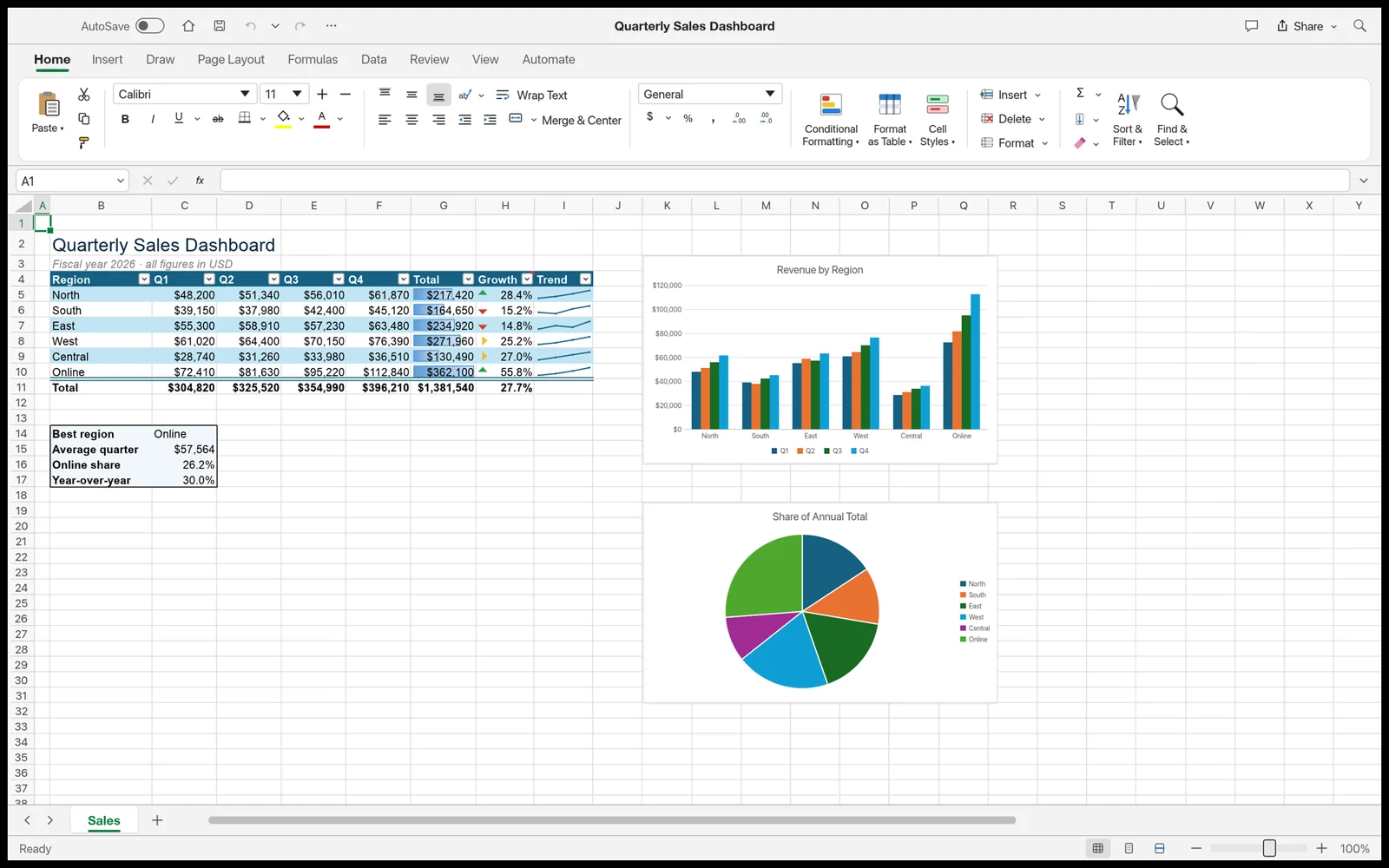

Fast, open-source spreadsheets and data analysis, rebuilt in pure Rust.
Explore GridCraftOpen source · Free
Report bugs, request features and get early builds of FigCraft in the ArtCraft Discord.