01DrawCraft
Vector illustration, reimagined in pure Rust.
The pen, panels and shortcuts working illustrators expect, in a native app that keeps up with you. Open source, and in your browser too.
macOS · Windows · Linux · Web · Free and open source
Screenshot
02Highlights
What's inside.
01
The workflow you know
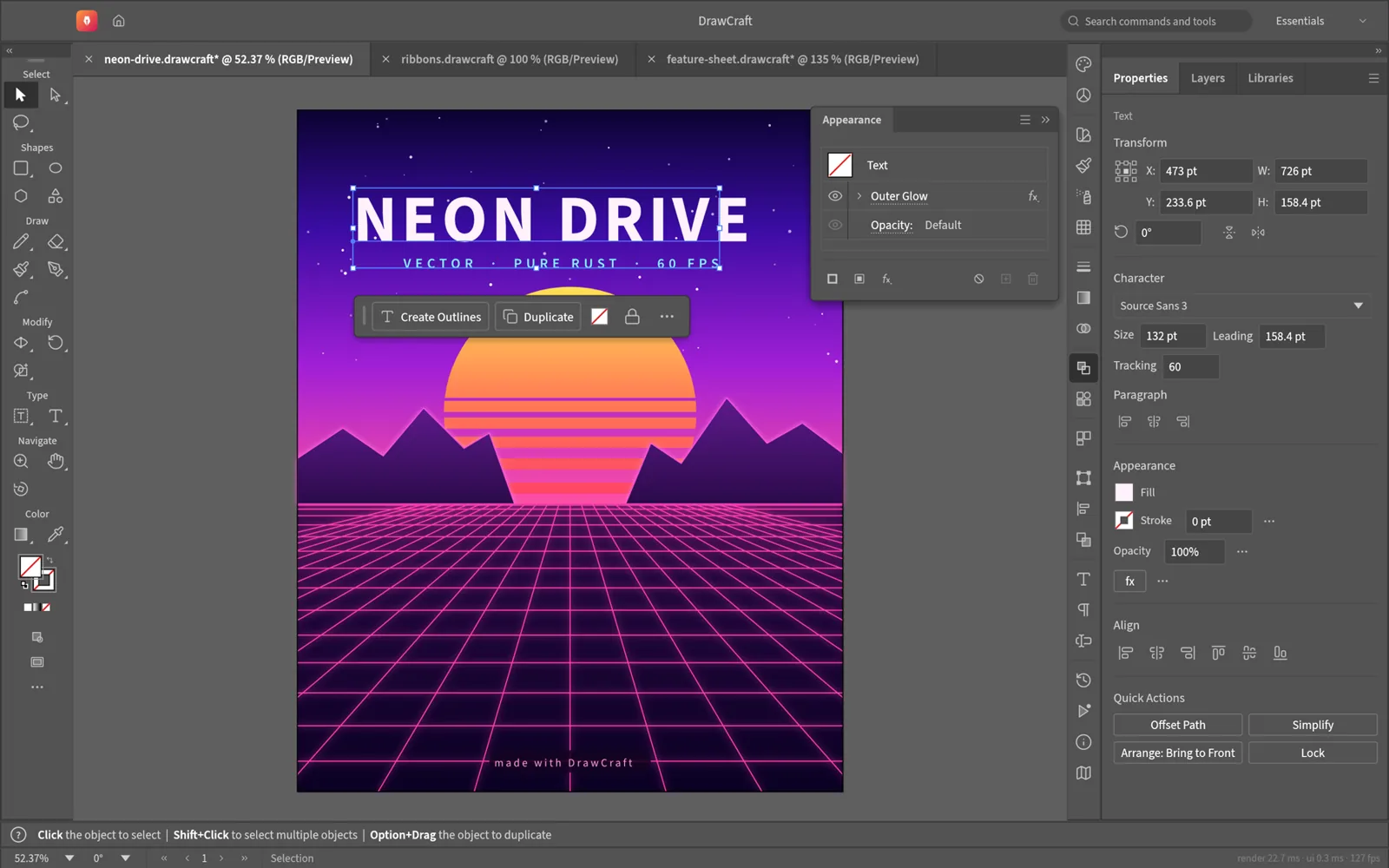
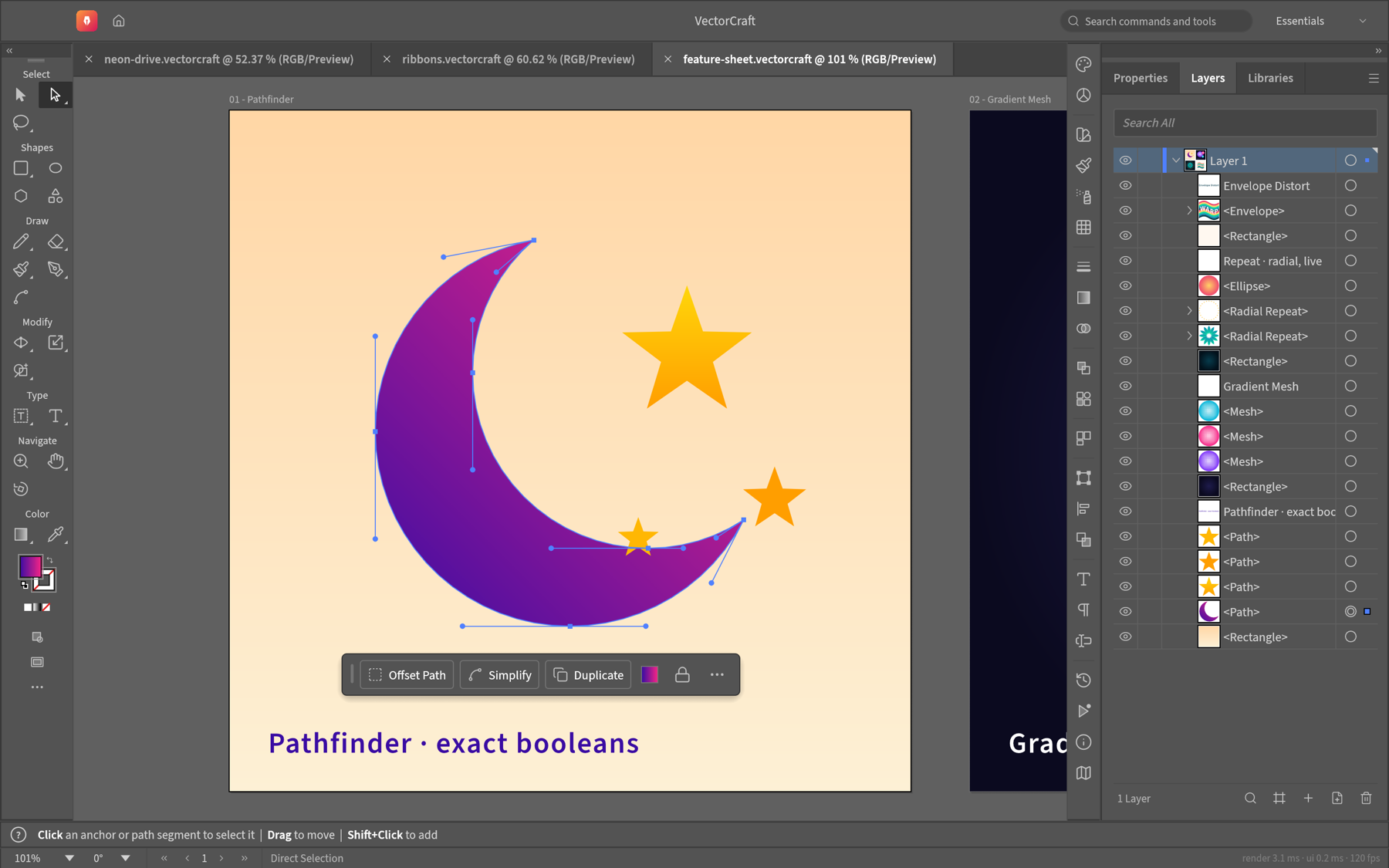
Pen, direct selection, shape booleans, snapping guides and an appearance panel, laid out the way you expect.
02
Genuinely fast
20,000 shapes render in about 27 ms at retina resolution, and the interface runs at 120 fps.
03
Booleans that never fail
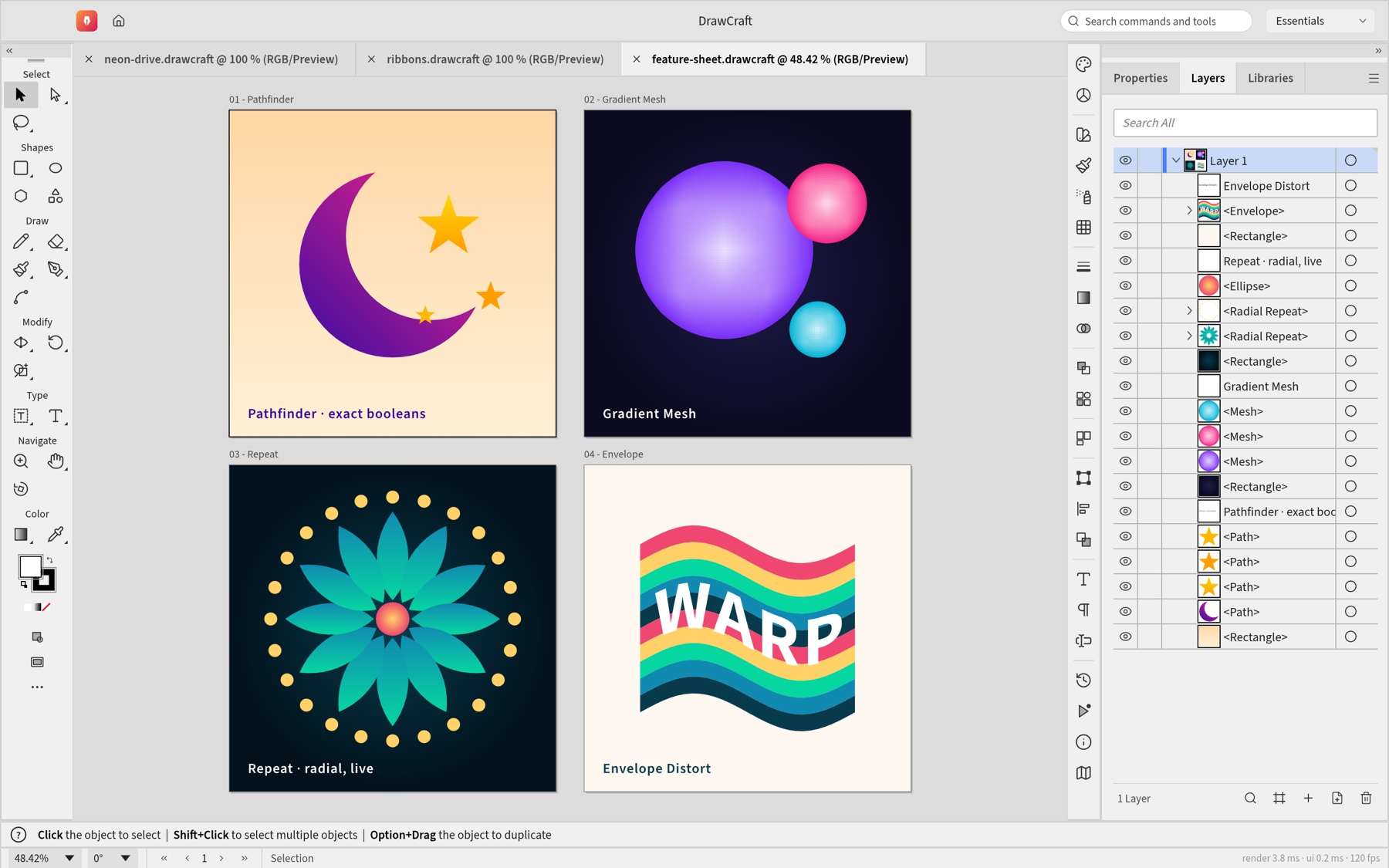
Exact curve booleans mean no more “cannot perform operation”. Unlimited undo means no more fear.
04
Live, editable effects
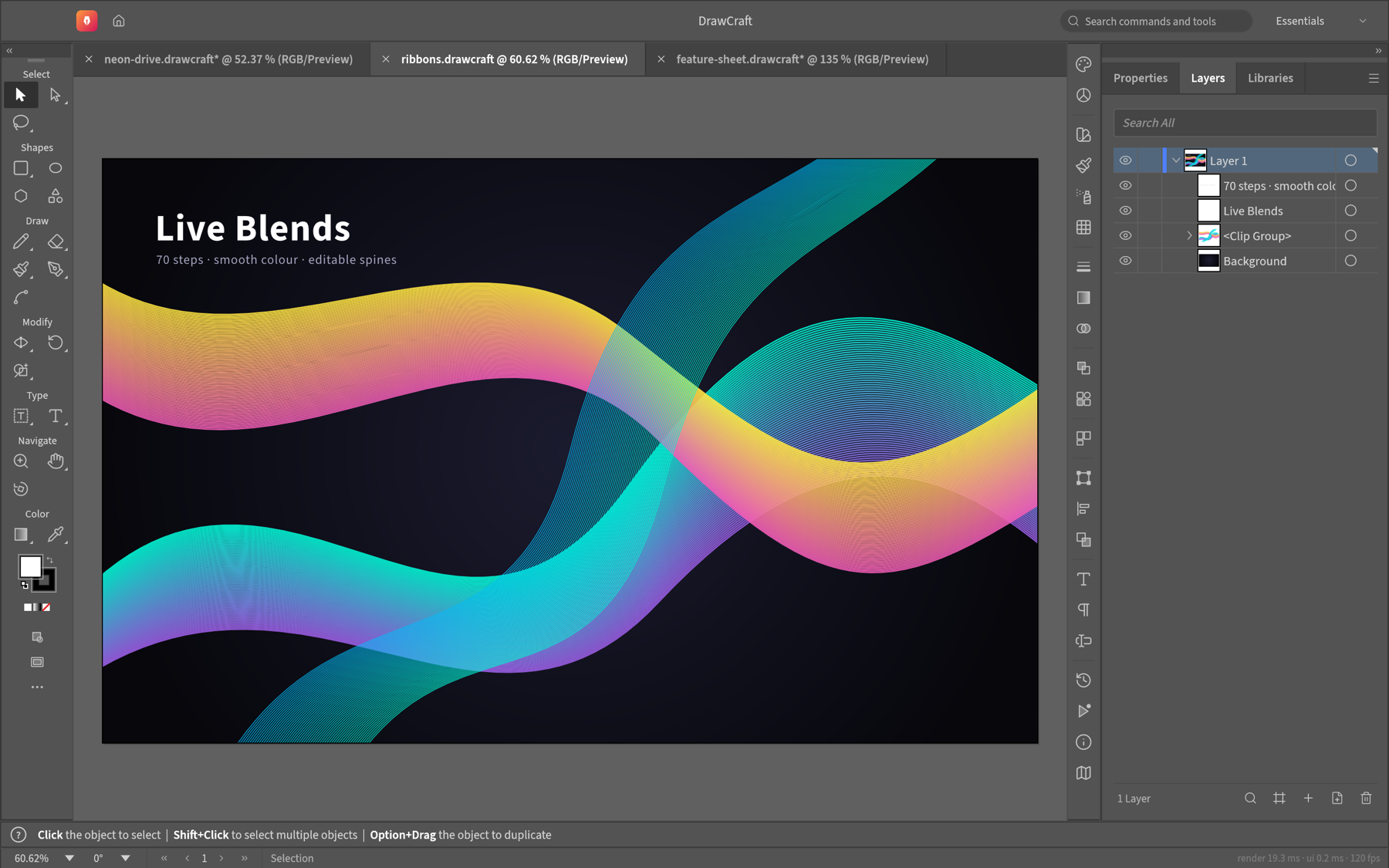
Blends, envelope distort, gradient mesh, live radial, grid and mirror repeats, glows and drop shadows — all still editable.
05
Image tracing
Turn raster images into clean vector paths with 12 tracing presets.
06
Open formats
Native JSON documents, SVG and PDF import and export, PNG, JPEG and WebP output, and multi-size export for screens.
04Get DrawCraft
Installers
Installers are on the way.
Native installers for macOS, Windows, and Linux are coming. Join the ArtCraft Discord to get them first, try early builds and talk with the team building DrawCraft.
Get notified on DiscordBuild from source
Run it today.
Needs Rust 1.90 or newer. New to Rust? Install it with rustup, then run:
git clone https://github.com/storytold/drawcraft.git
cd drawcraft
cargo run --release -p drawcraft05The family
More from the family.
All Crafting AppsImage editor
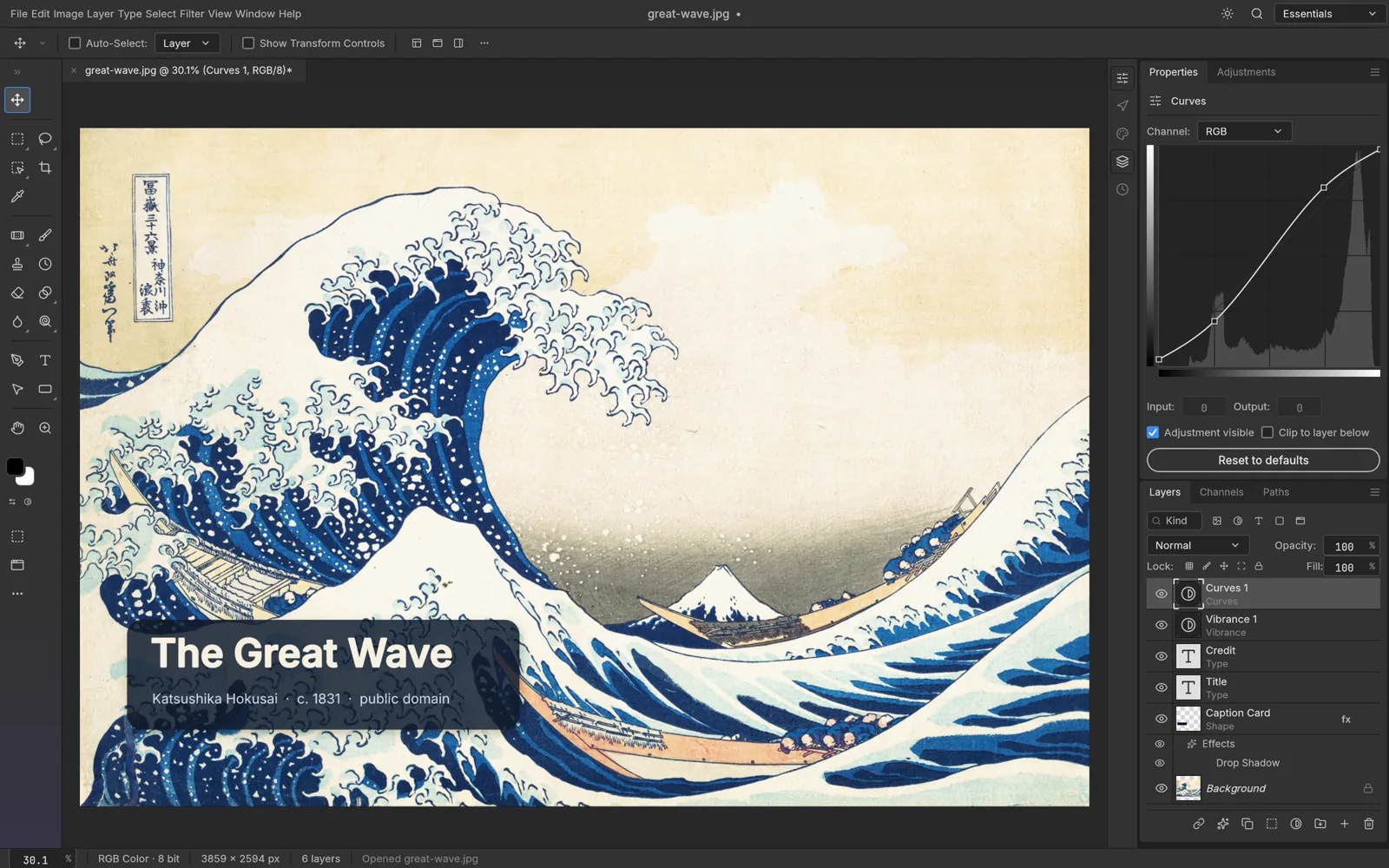
PhotoCraft
The open-source image editor you already know how to use.
Explore PhotoCraftVideo editor
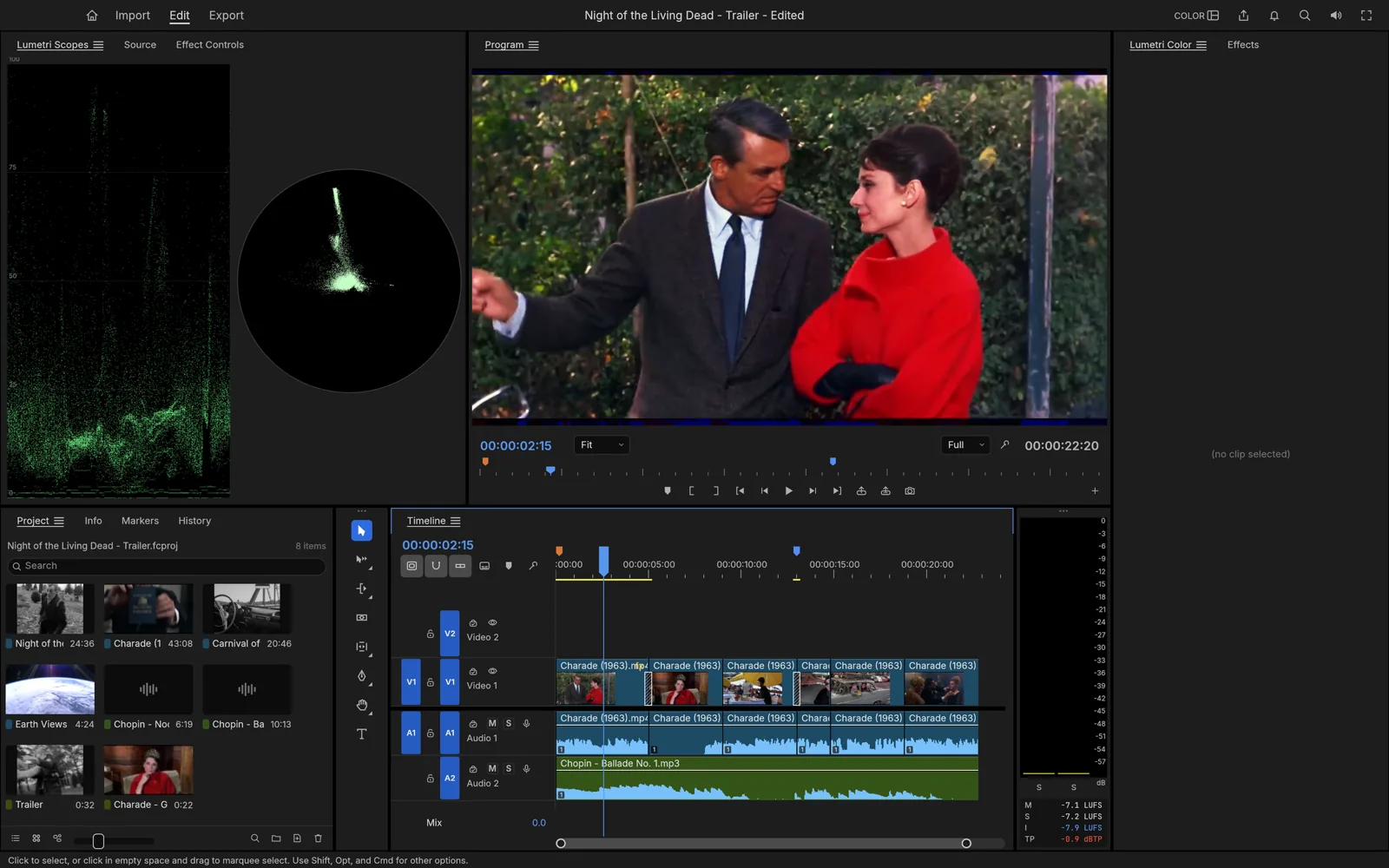
FilmCraft
Professional, open-source video editing, rebuilt from scratch in Rust.
Explore FilmCraftPhoto library & raw developer
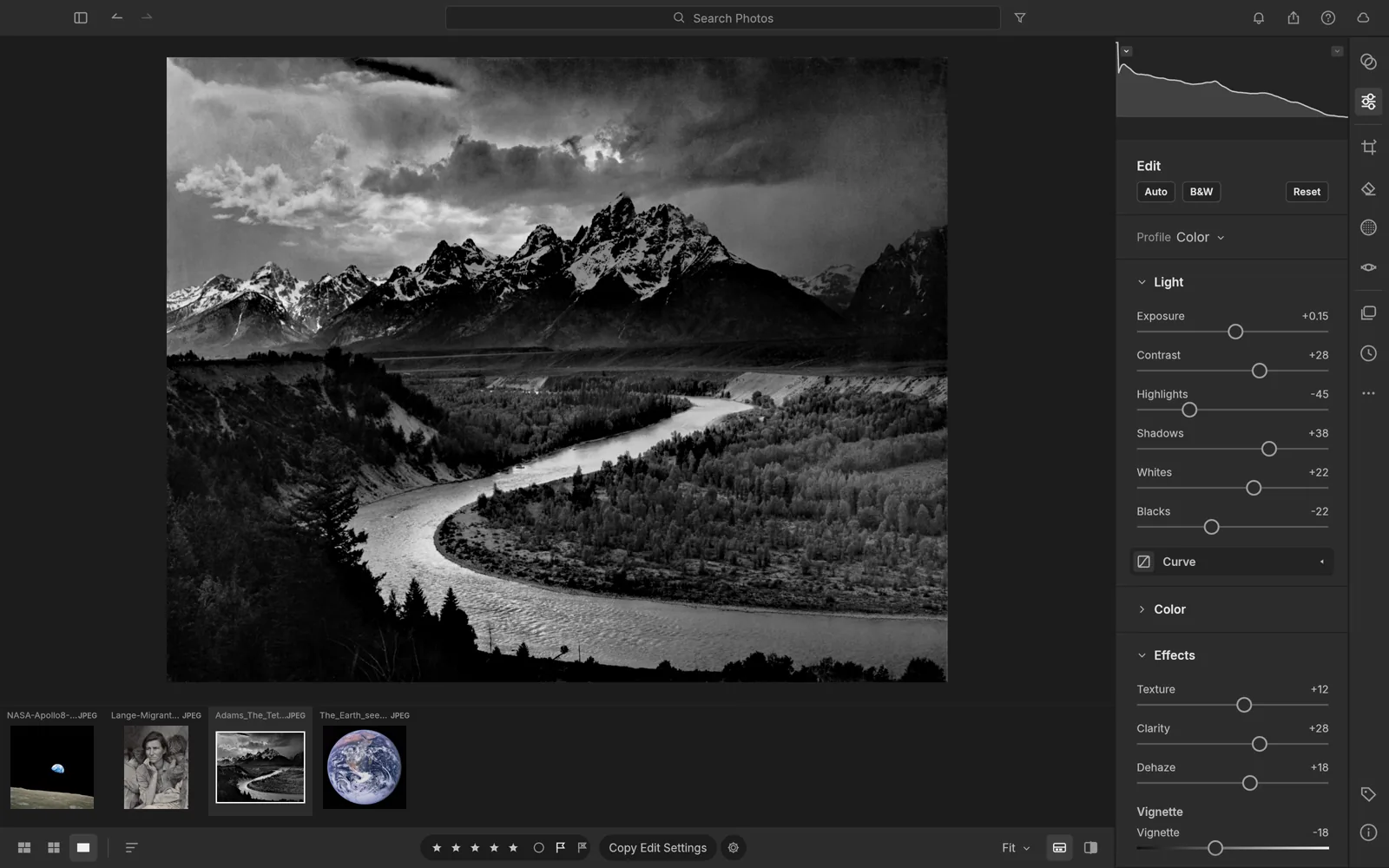
LightCraft
An open-source photo library and raw developer that runs on your machine.
Explore LightCraftPDF workbench
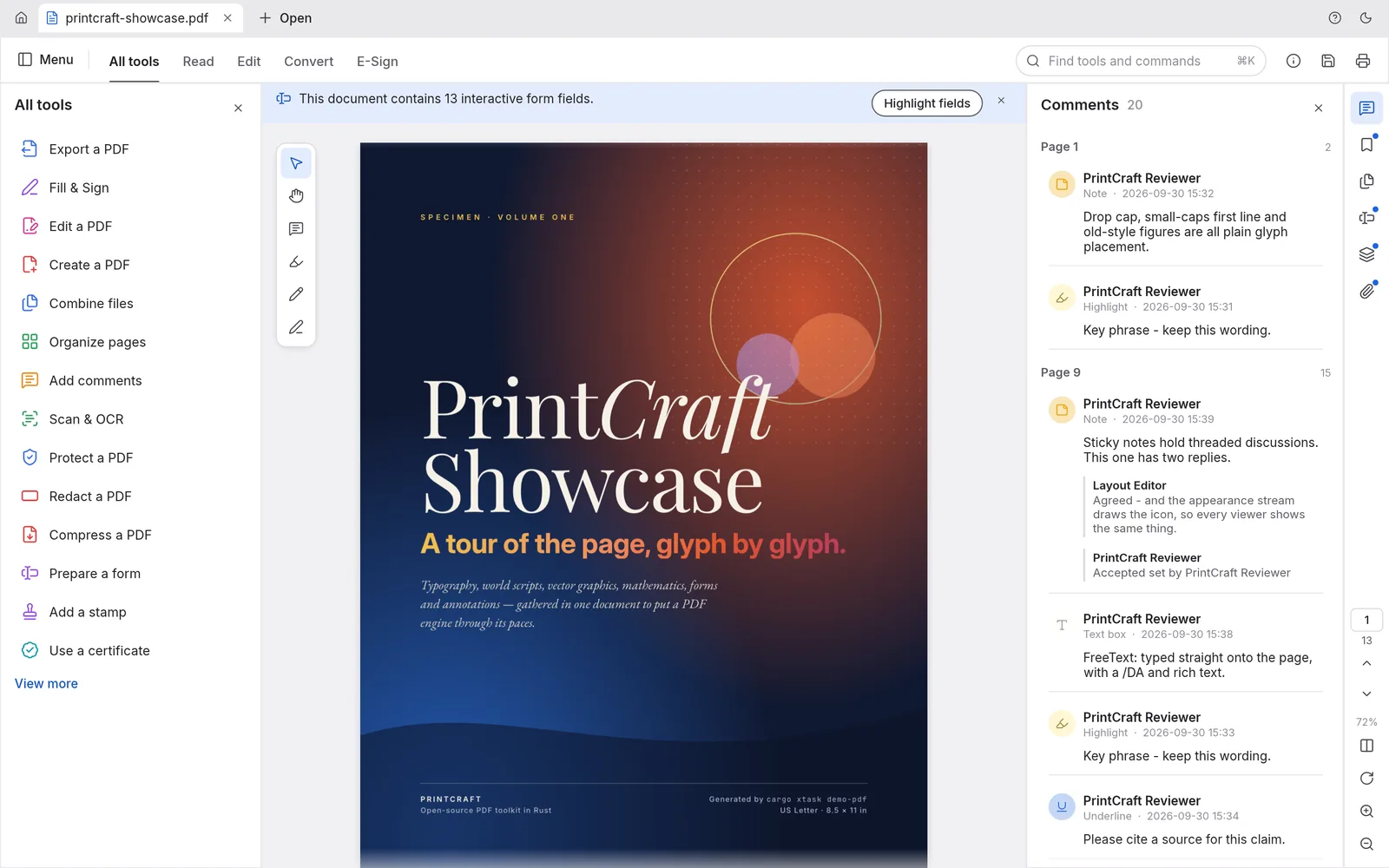
PrintCraft
The open-source PDF workbench: read, organize, combine, split and secure.
Explore PrintCraftOpen source · Free
Help shape DrawCraft.
Report bugs, request features and get early builds of DrawCraft in the ArtCraft Discord.