
Platform
01
macOS
Disk image (Universal)
Apple silicon and Intel Macs.
Standalone for macOSOther TextureCraft files for macOS
01TextureCraft
 09TextureCraft
Paint PBR materials straight onto your models in layers with masks, bake mesh maps, drive smart materials from them and export textures for any engine. Open source, offline, and yours.
macOS · Windows · Linux · Web · Free and open source
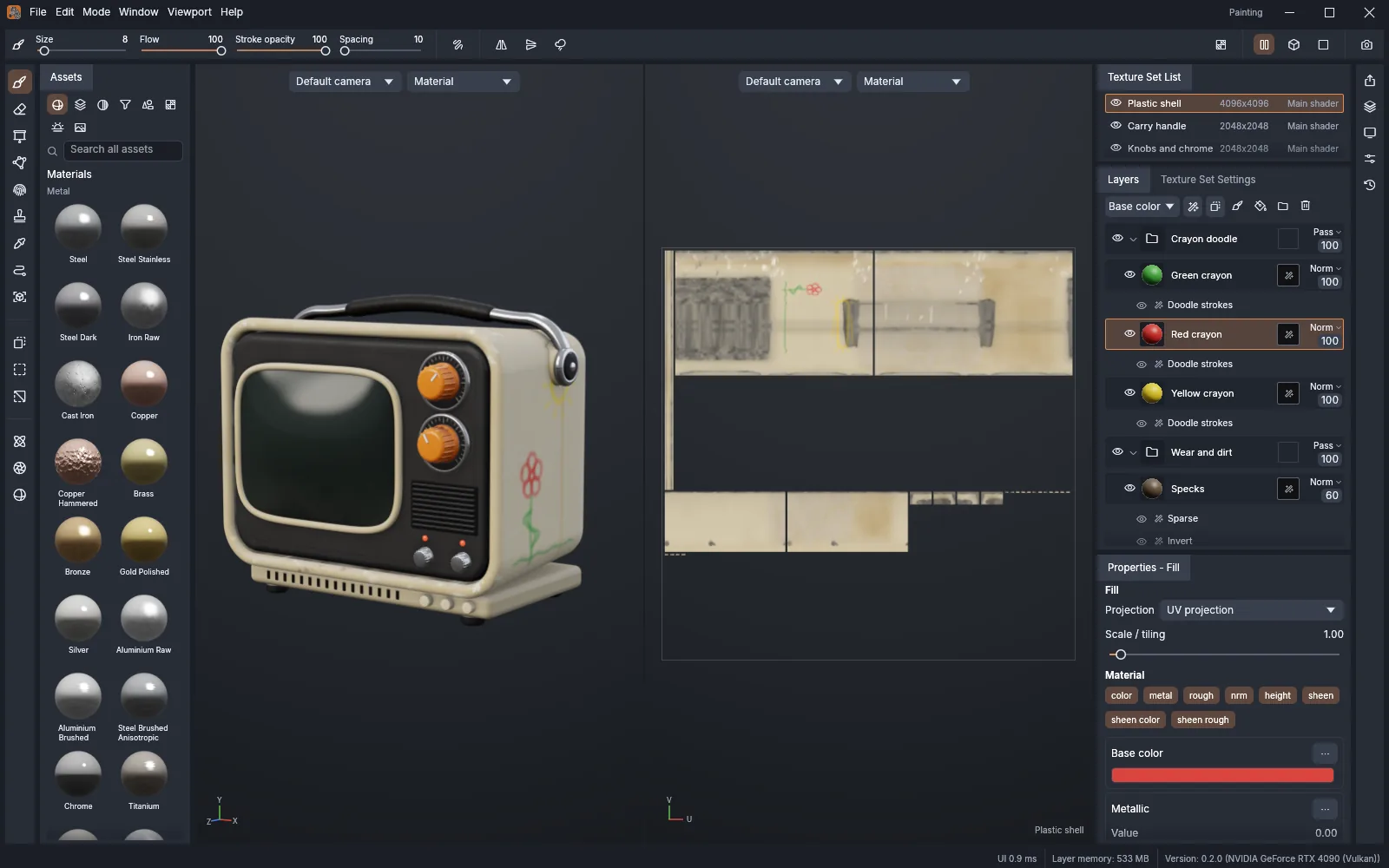
Screenshot
02Highlights
01
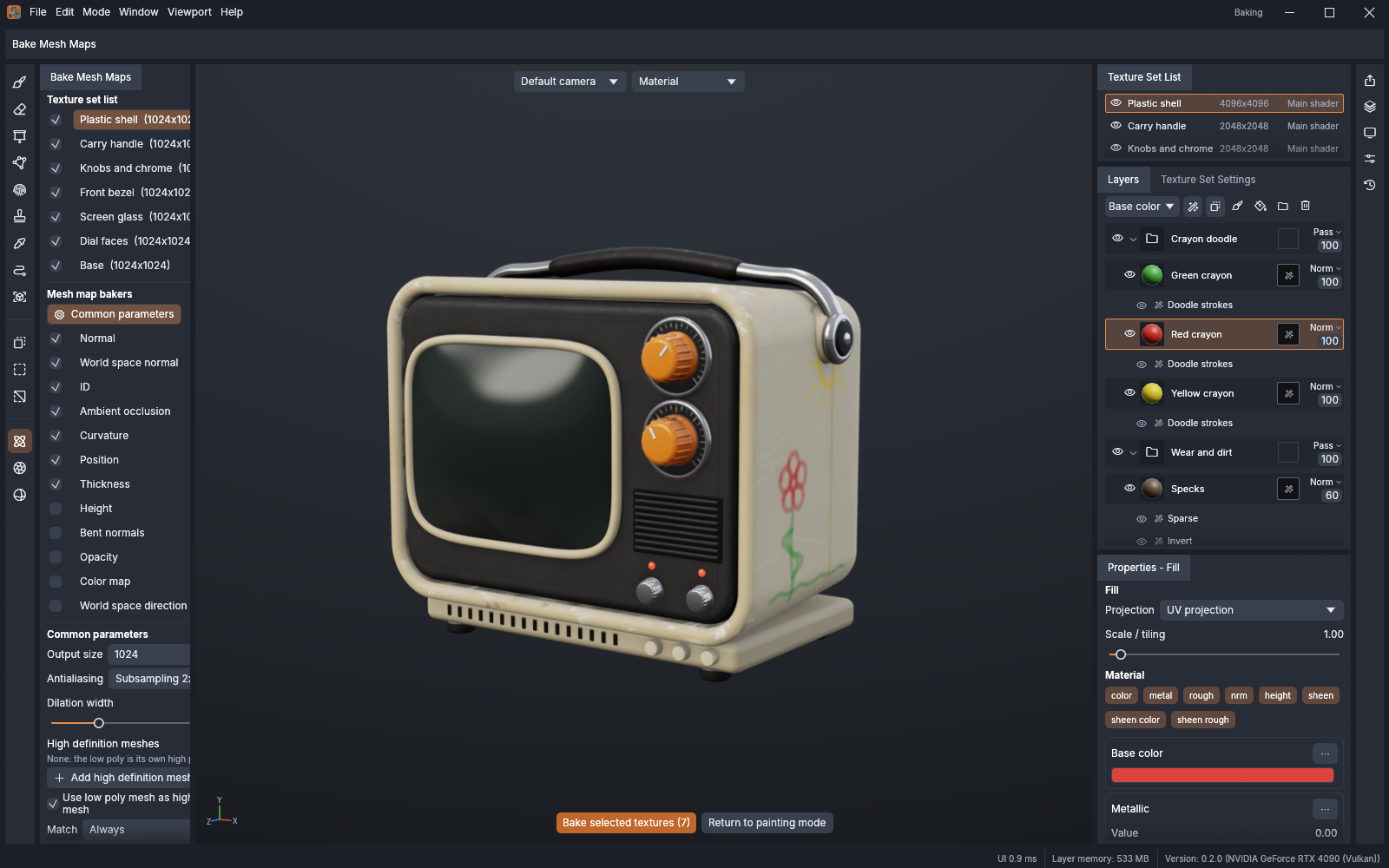
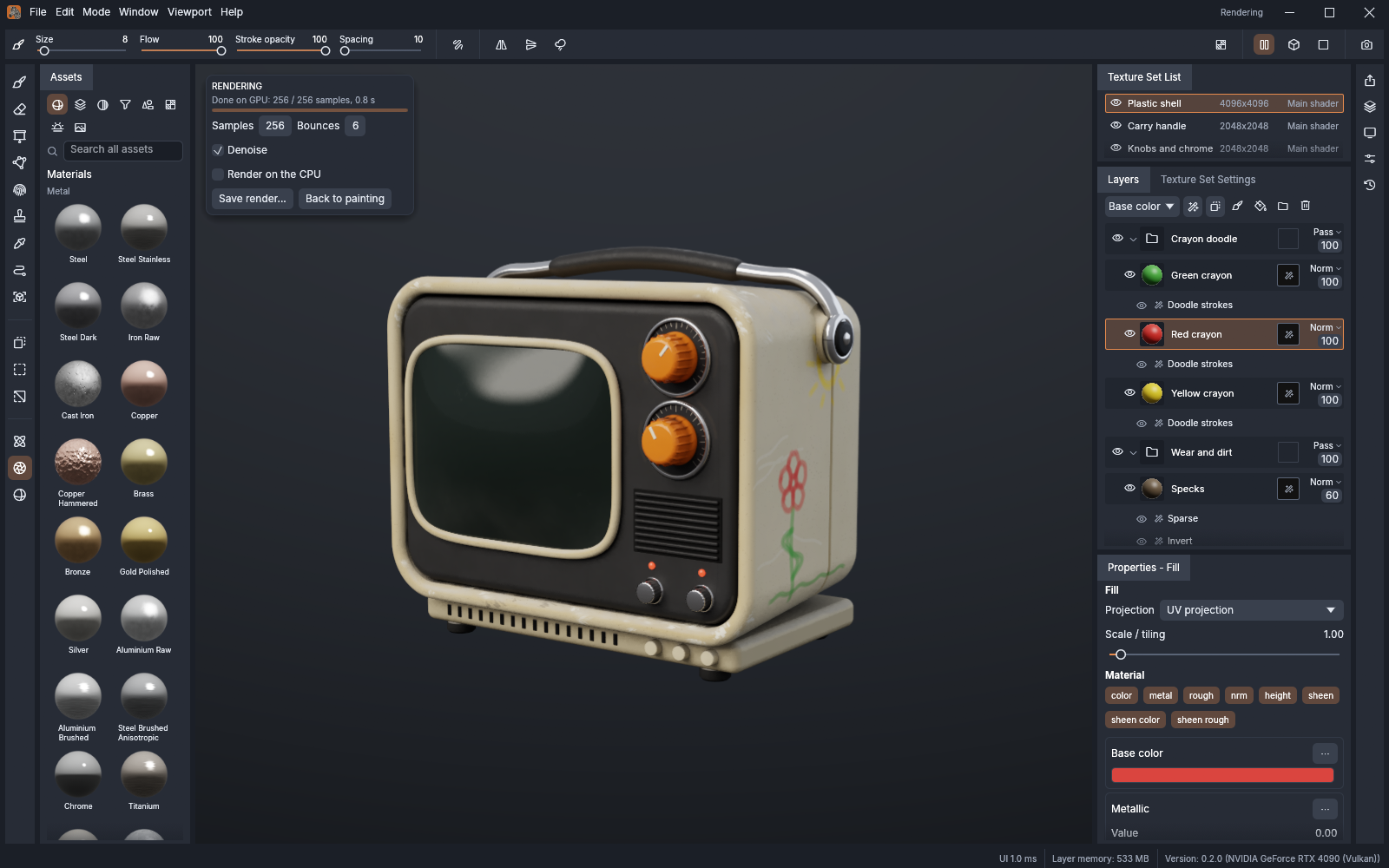
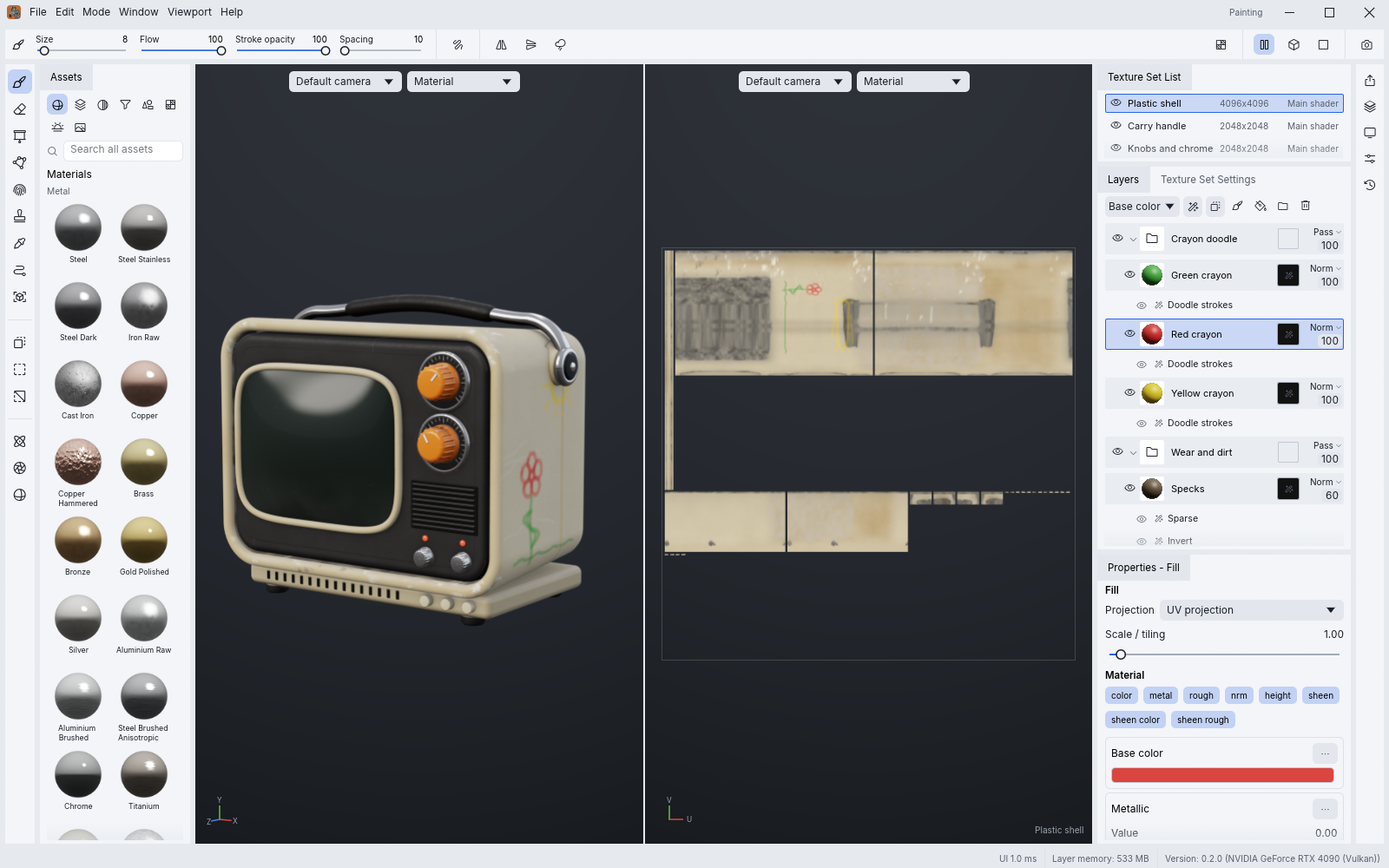
Texture sets, a layer stack with per-channel blending, masks and generators, smart materials, the tool shelf and the 3D and 2D views, where texture artists expect them.
02
Brush stamps live on the 3D surface, so strokes flow across UV seams, and the camera's visibility keeps paint off the back of your model.
03
Ambient occlusion, curvature, thickness and more, ray traced about 12× faster than on the CPU, from the model itself or a high-poly mesh.
04
A tiled, copy-on-write texel engine on every CPU core and a native viewport on Metal, Vulkan, DirectX 12 and WebGPU keep 8K texture sets responsive.
05
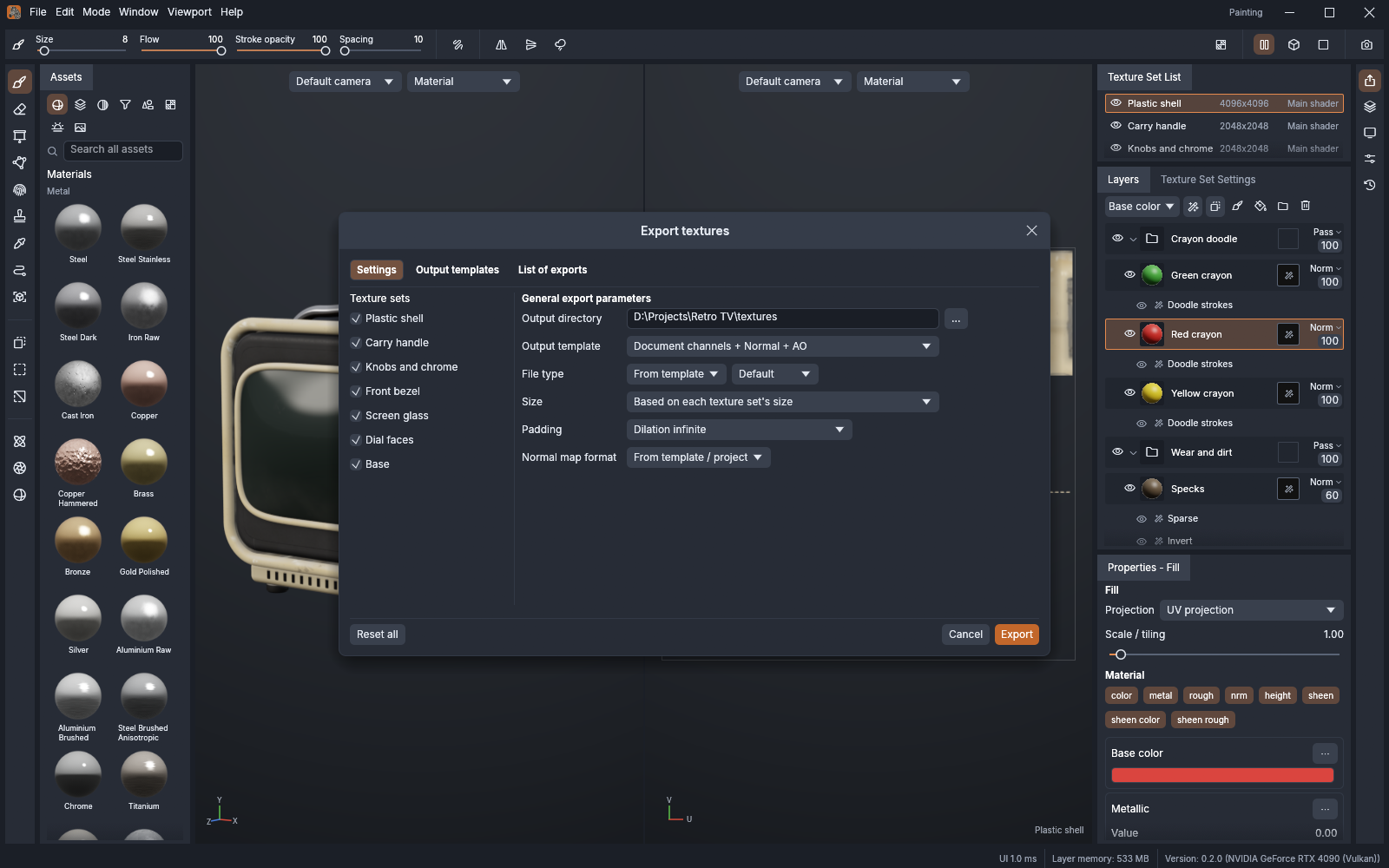
glTF, FBX, COLLADA, USD, Alembic, OBJ, PLY and STL in. PNG, JPEG, TGA, TIFF, EXR and more out at 8, 16 or 32 bits, with UDIM tiles and engine presets.
06
Every menu item and tool is a command, so the CLI, a JSON control channel and an MCP server can paint, bake and export the way a person does.
04Get TextureCraft
Option 1 · Recommended
ArtCraft Launcher installs TextureCraft and every other Crafting App from one place, picks the right build for your computer and keeps them all up to date. Install it once and every update is a click away.
ArtCraft Launcher · v0.12.0
About the LauncherOption 2 · Standalone
These installers add TextureCraft on its own, without the launcher. Come back here for new versions, or install the launcher later and it will find TextureCraft and keep it updated.
Platform
01
Disk image (Universal)
Apple silicon and Intel Macs.
Standalone for macOSOther TextureCraft files for macOS
Platform
02
Installer (64-bit)
Most Windows 10 and 11 PCs.
Standalone for WindowsOther TextureCraft files for Windows
Platform
03
Flatpak (x86_64)
Sandboxed. Install with flatpak install --user.
Standalone for LinuxOther TextureCraft files for Linux
Platform
04
Release
Free for every platform above. Questions or feedback? The team is in the ArtCraft Discord.
Other downloads
Build from source
Needs Rust 1.95 or newer. New to Rust? Install it with rustup, then run:
git clone https://github.com/storytold/texturecraft.git
cd texturecraft
cargo run --release -p texturecraft05The family
Image editor
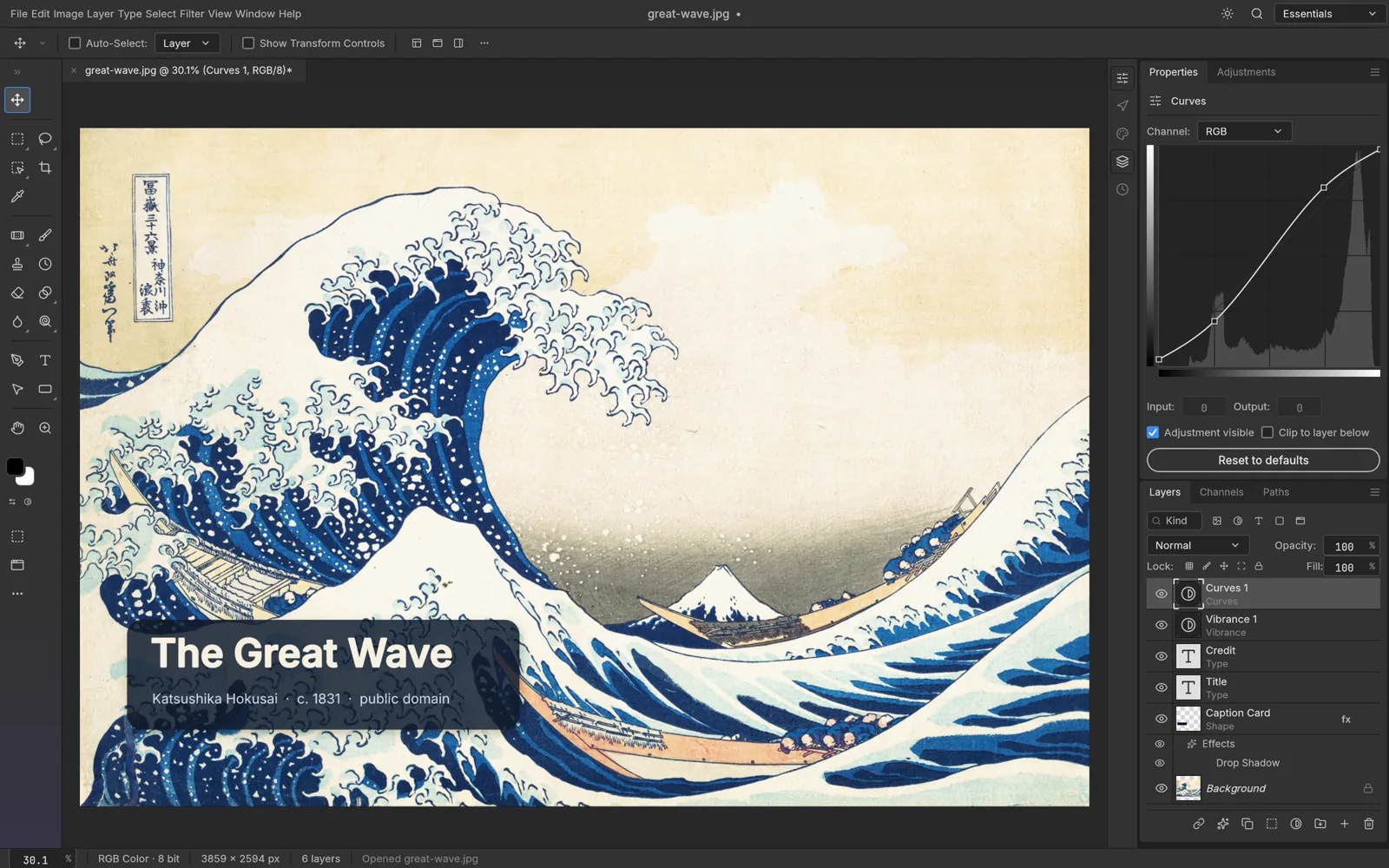
The open-source image editor you already know how to use.
Explore PhotoCraftVector illustration
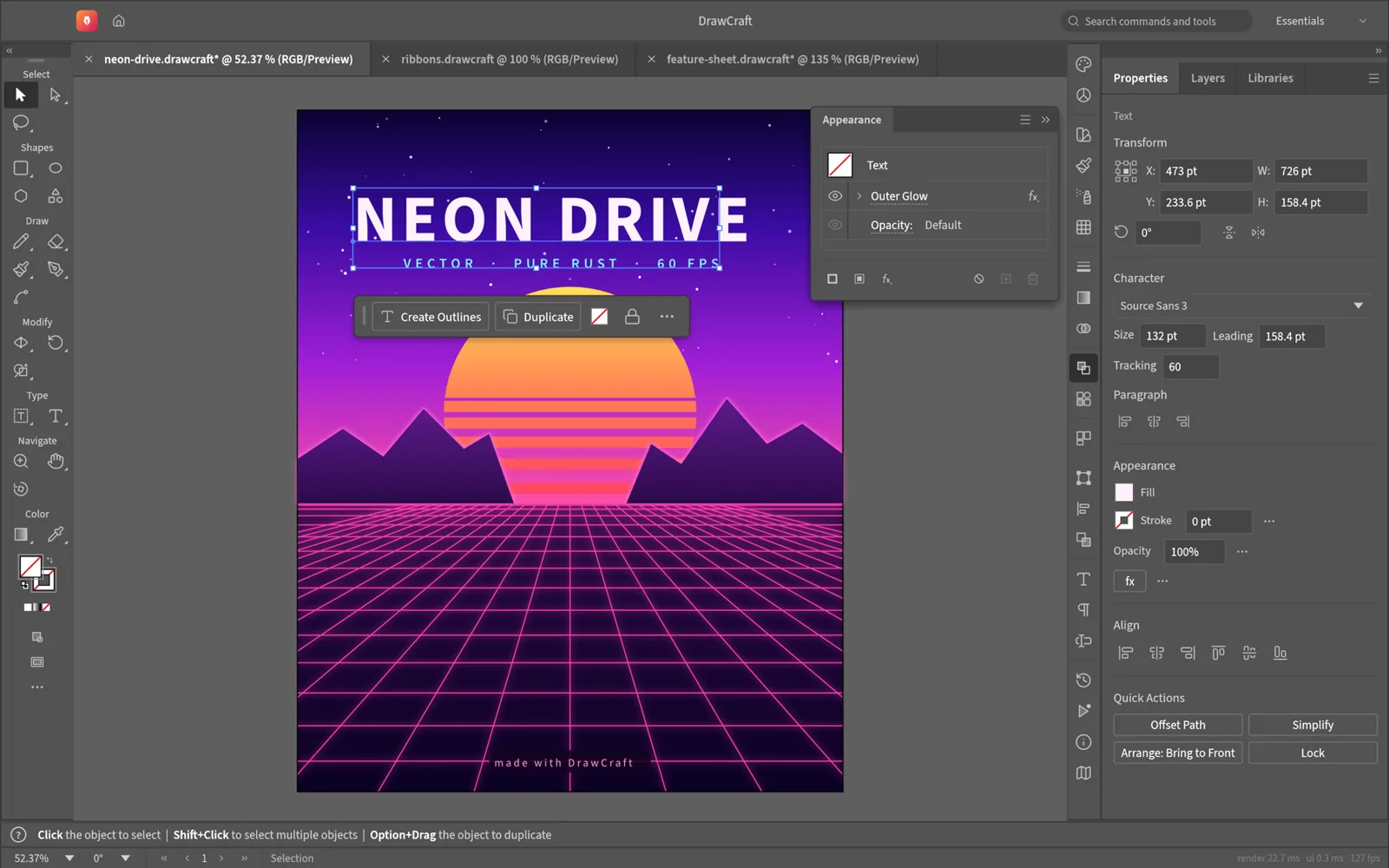

Fast, open-source vector illustration, reimagined in pure Rust.
Explore VectorCraftVideo editor
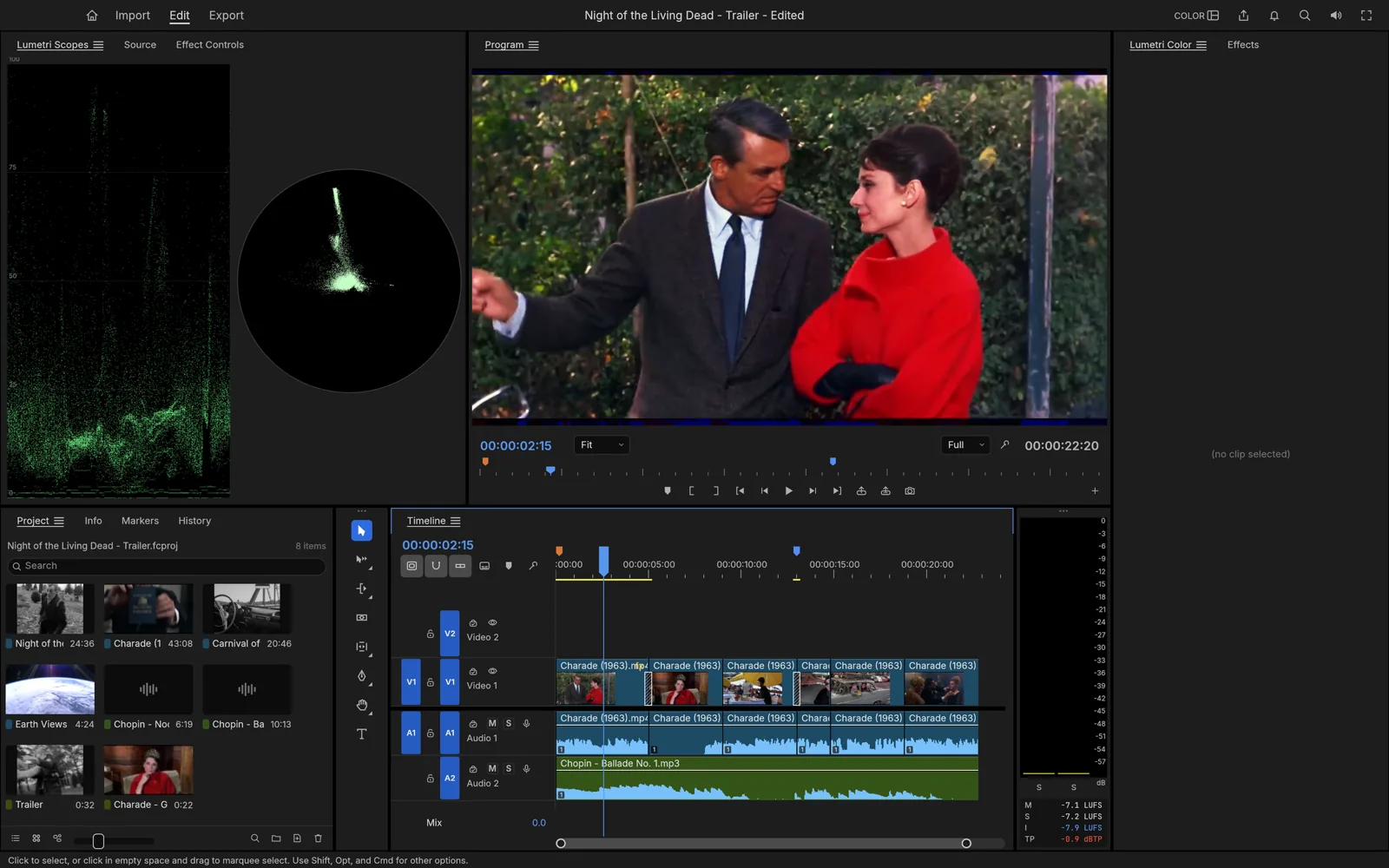

Professional, open-source video editing, rebuilt from scratch in Rust.
Explore FilmCraftPhoto library & raw developer
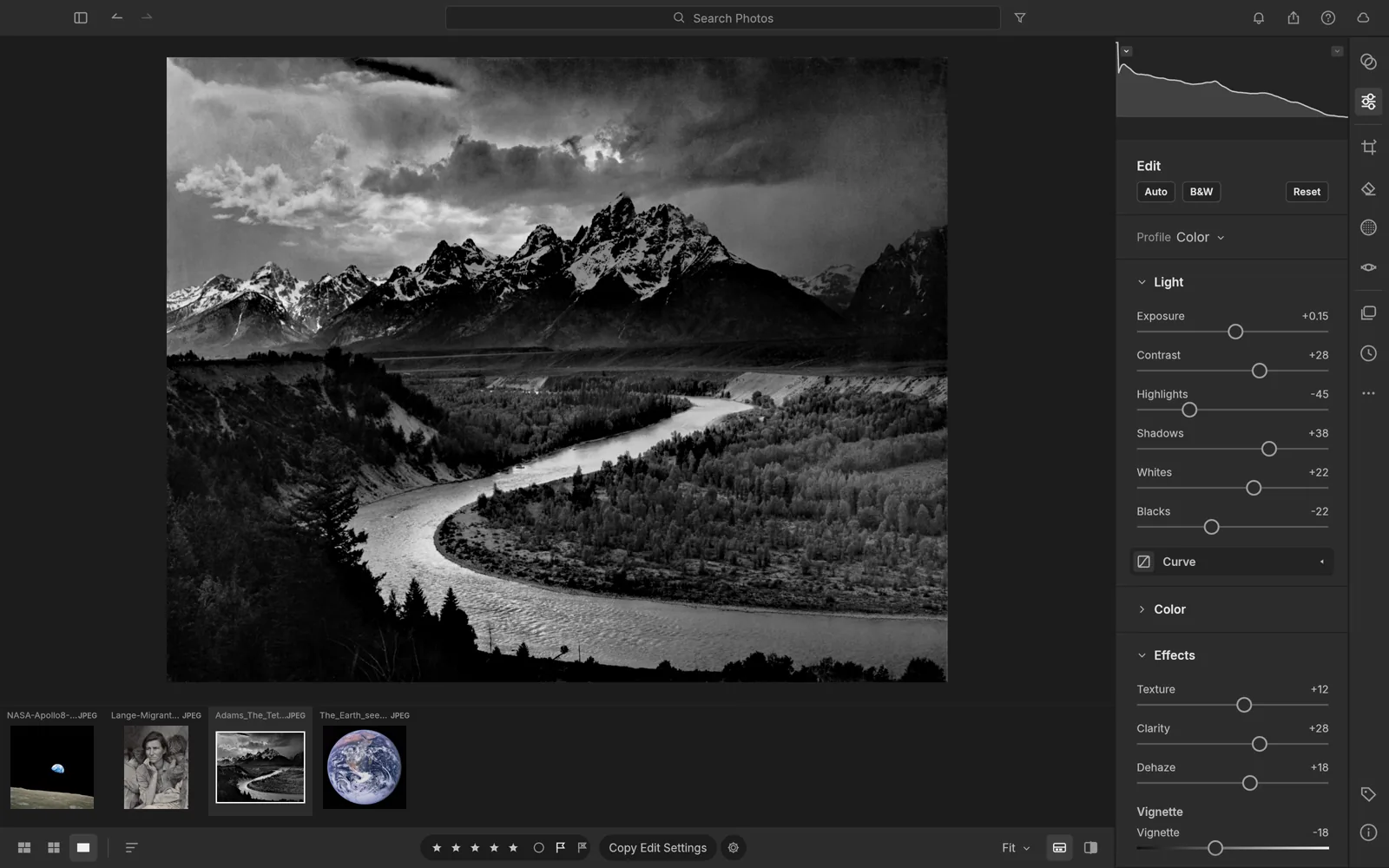
An open-source photo library and raw developer that runs on your machine.
Explore LightCraftPDF workbench
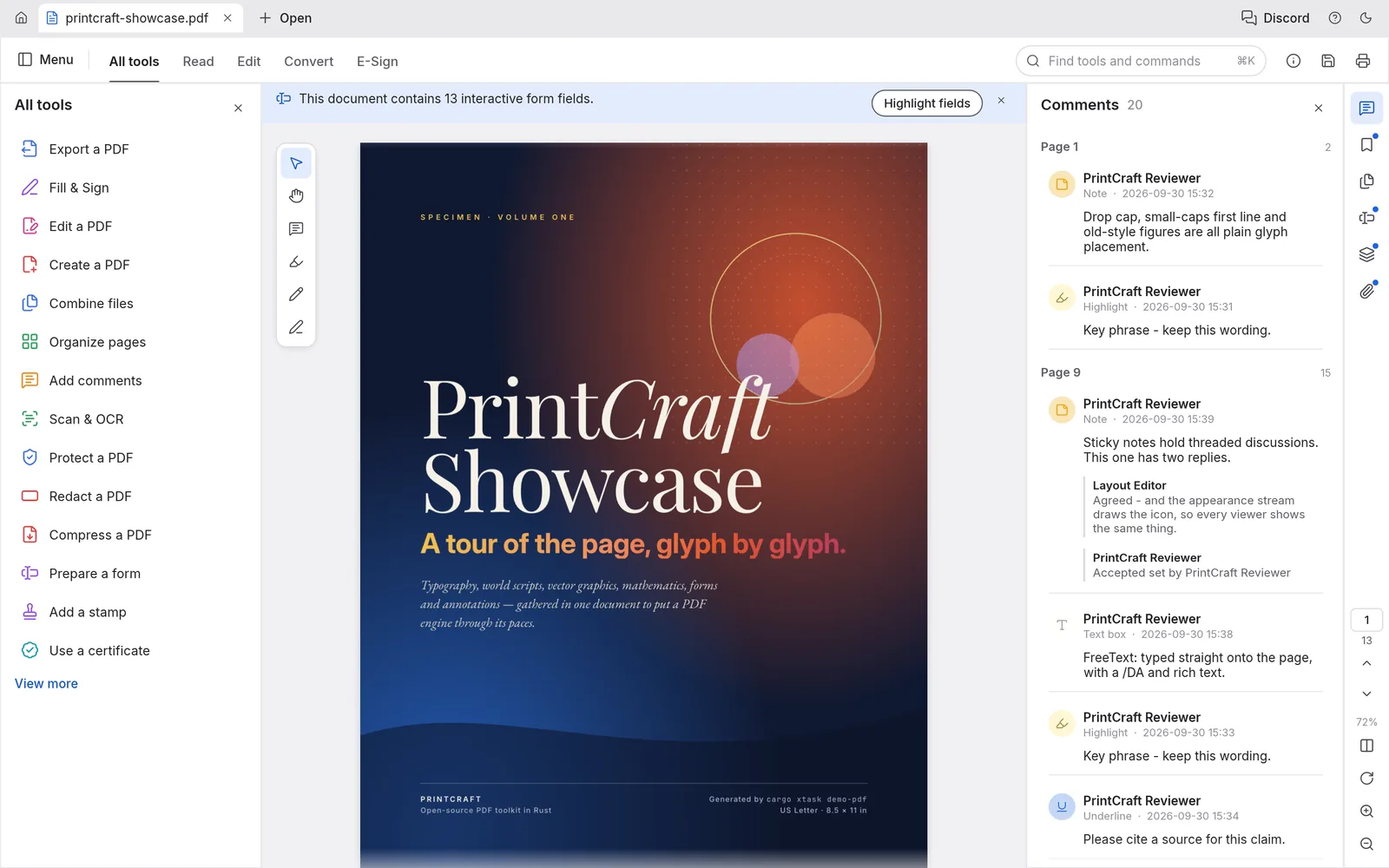
The open-source PDF workbench: read, organize, combine, split and secure.
Explore PdfCraftMotion graphics & VFX
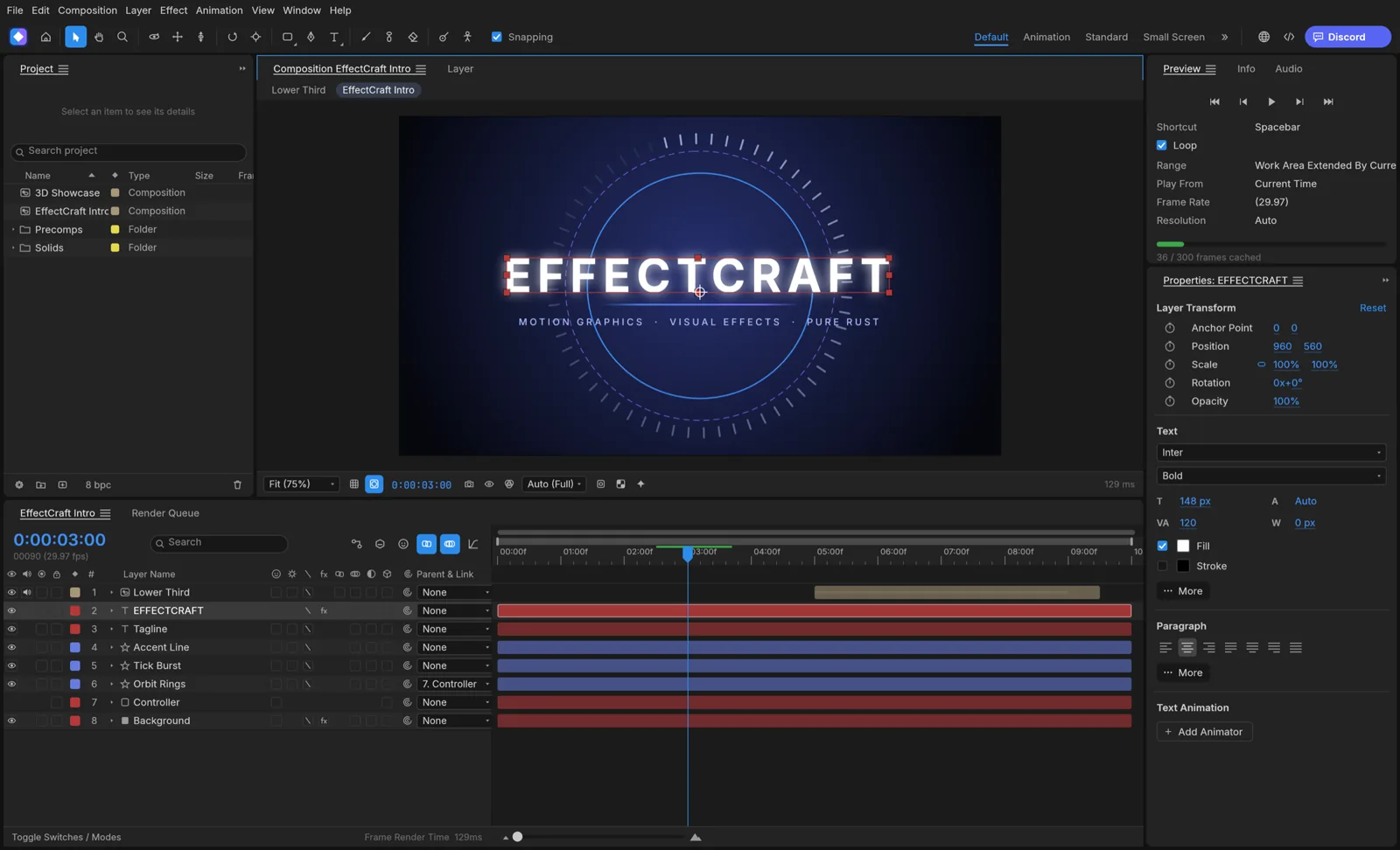

Open-source motion graphics and visual effects, built in pure Rust.
Explore EffectCraftPage layout & publishing
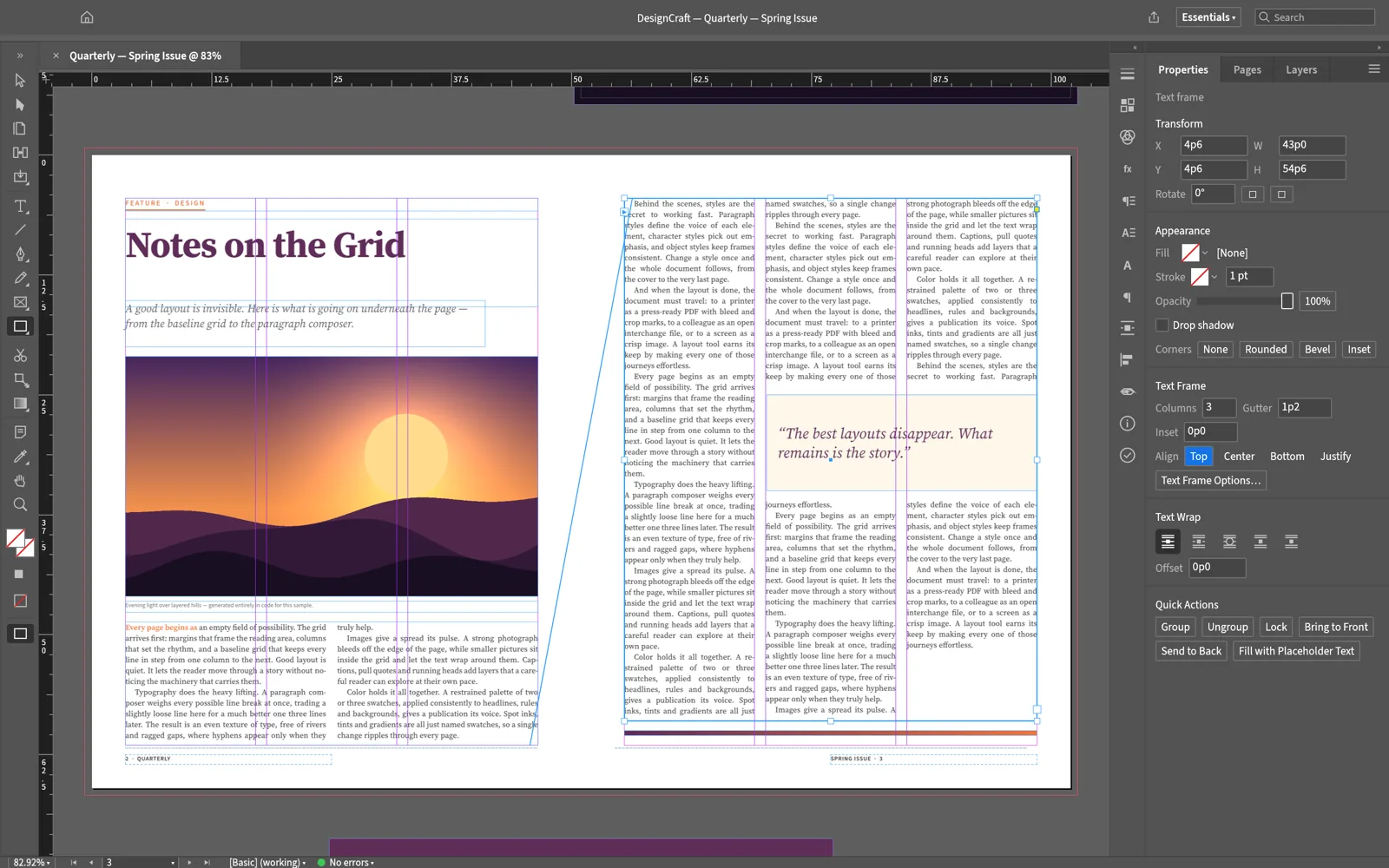

Open-source page layout and publishing, rebuilt in pure Rust.
Explore DesignCraftInterface design
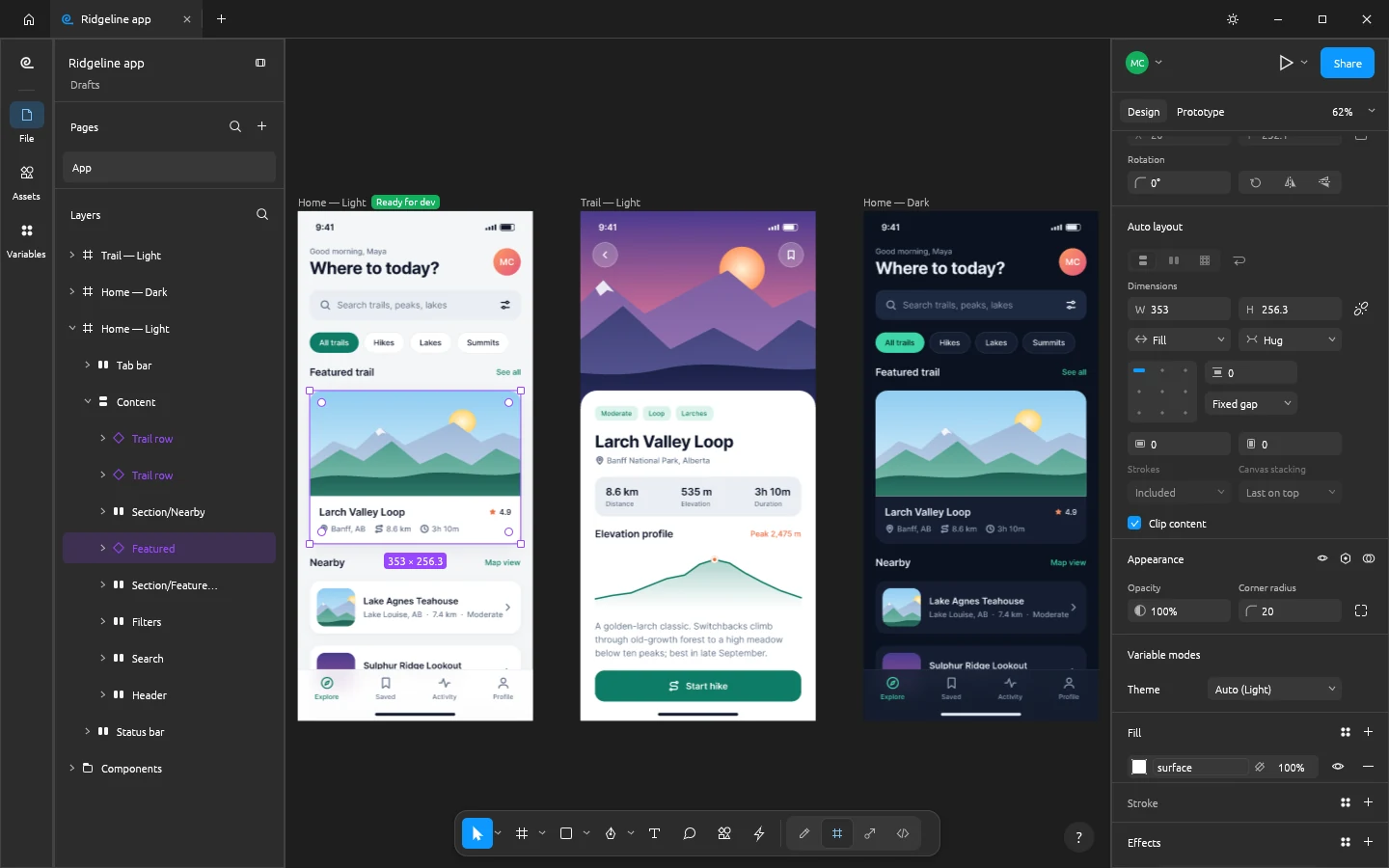
Open-source interface design and prototyping, rebuilt in pure Rust.
Explore FigCraftWord processing
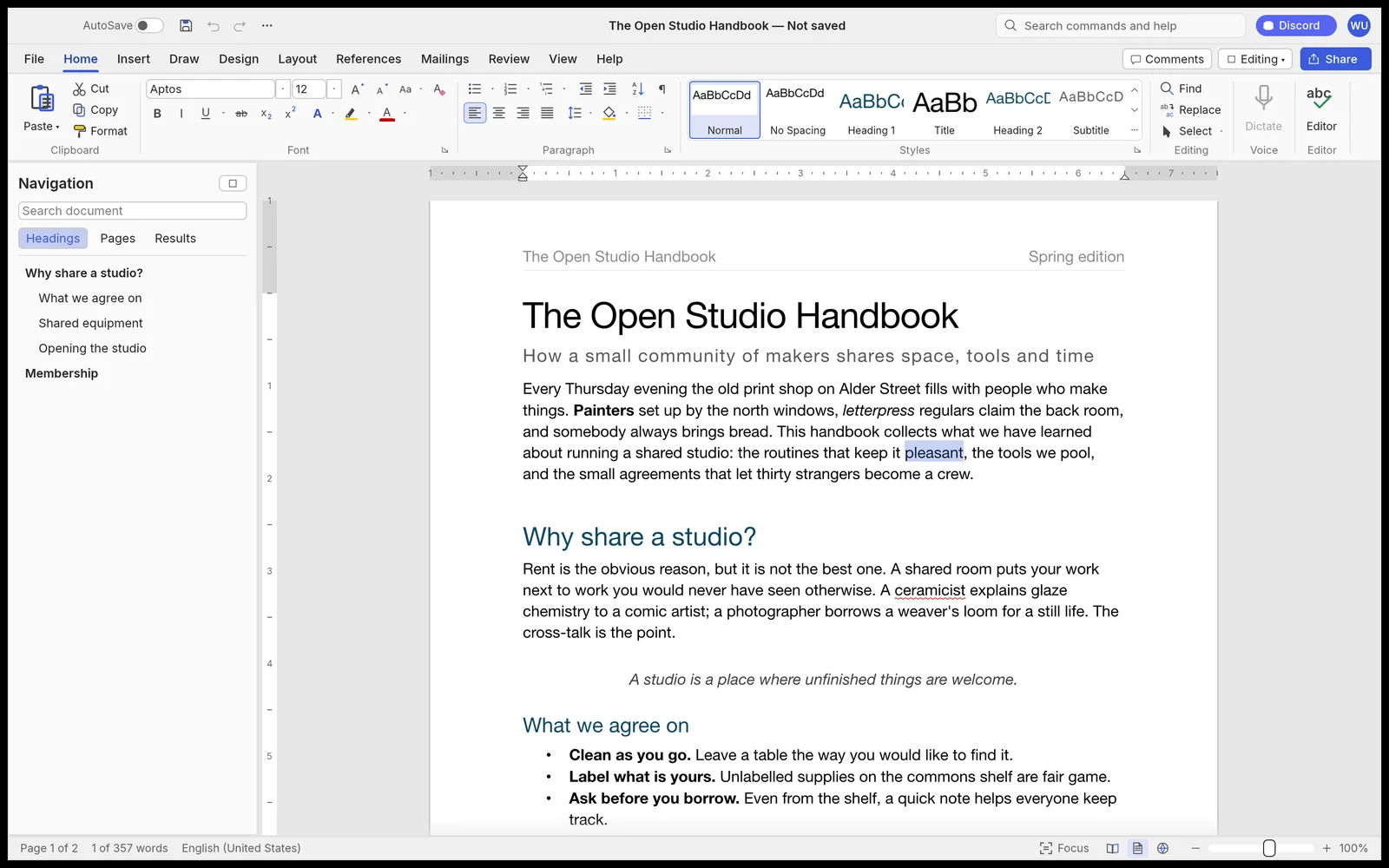

Fast, open-source word processing, rebuilt in pure Rust.
Explore WordCraftDigital audio workstation
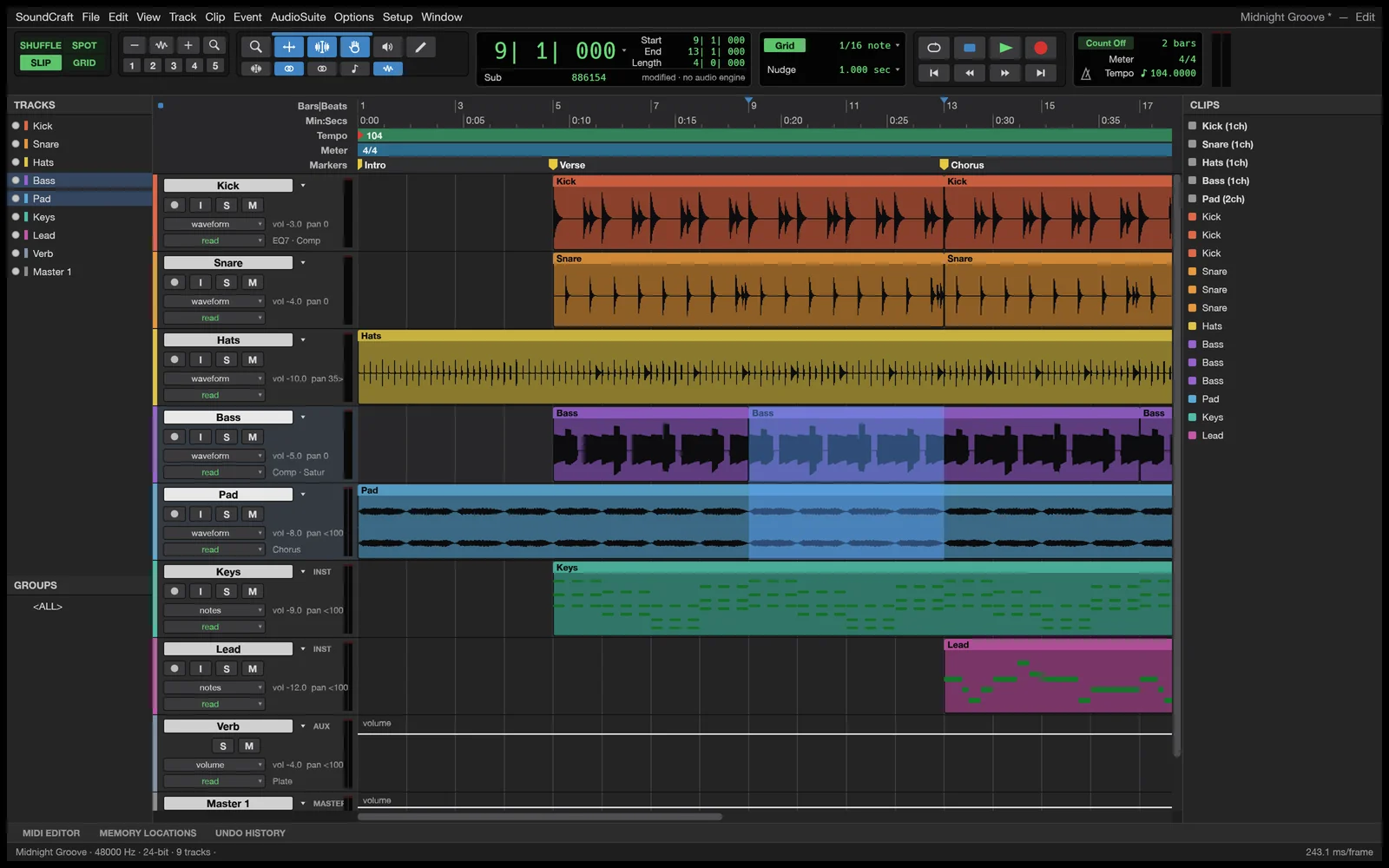

Professional audio recording, editing and mixing in pure Rust.
Explore SoundCraftPresentations & slide shows
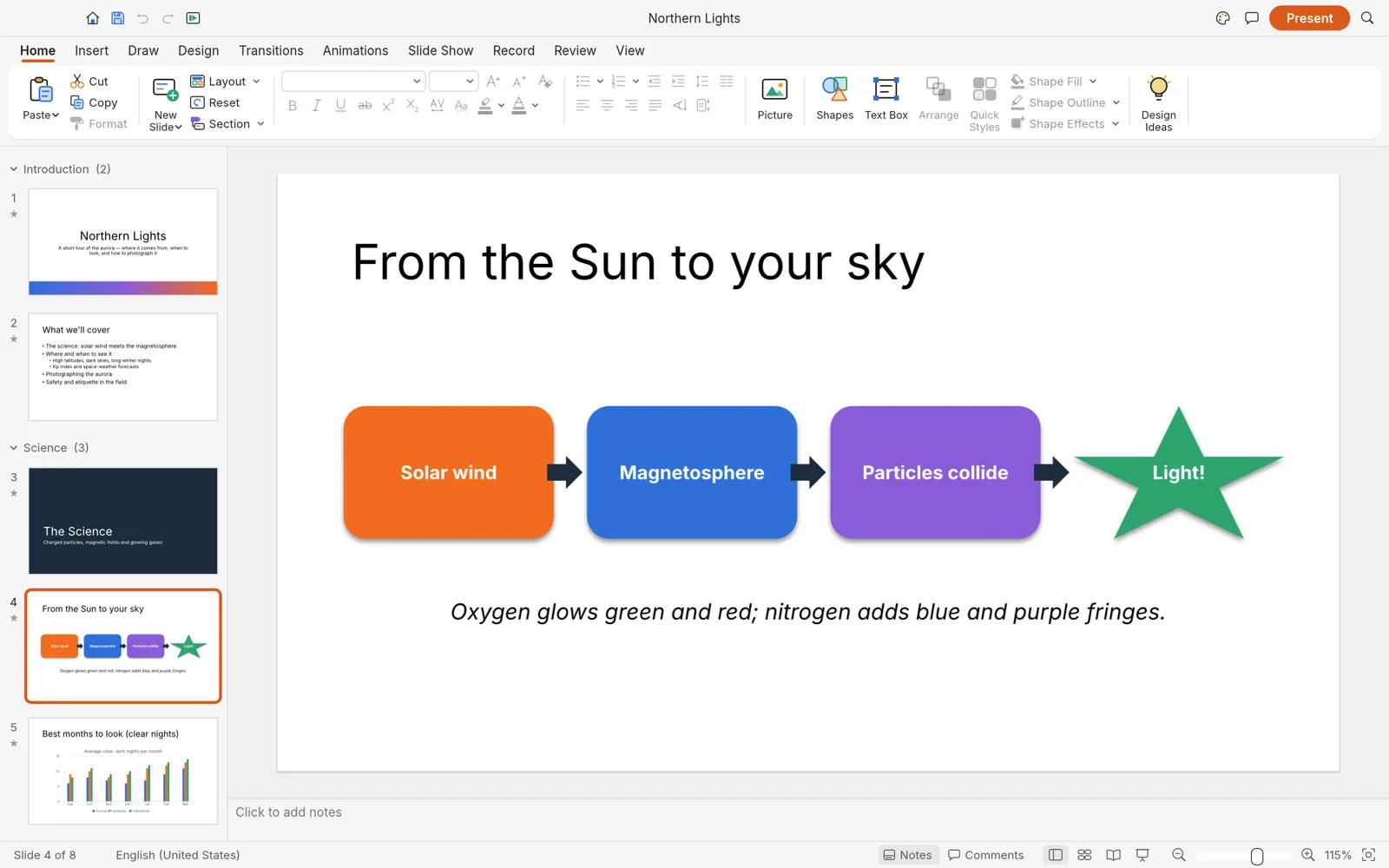

Build and deliver dynamic slide presentations, in pure Rust.
Explore DeckCraftComputer-aided design & drafting
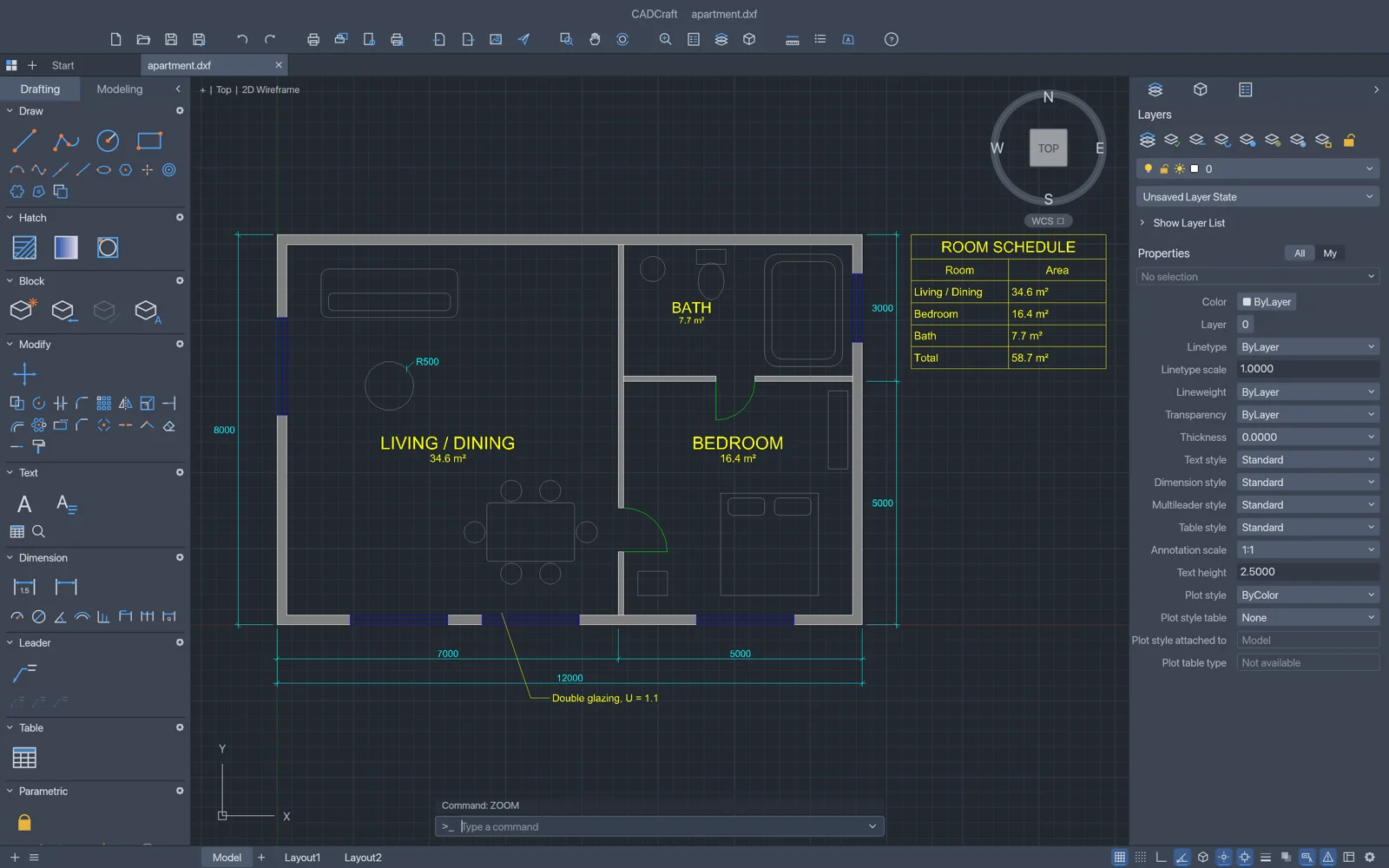
Fast, open-source computer-aided design and drafting in pure Rust.
Explore CADCraftSpreadsheets & data analysis
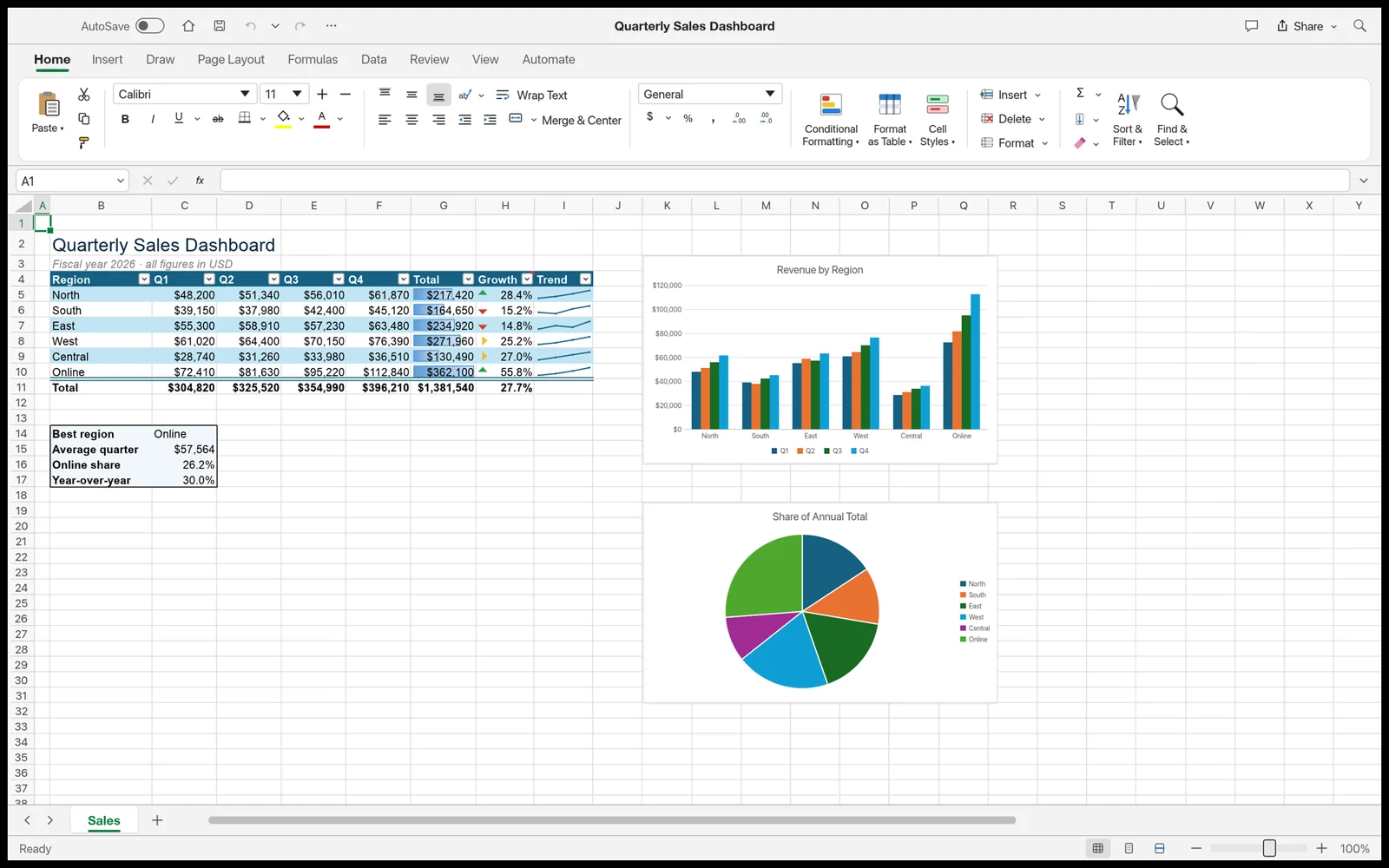

Fast, open-source spreadsheets and data analysis, rebuilt in pure Rust.
Explore GridCraftSoftware exploration & creation
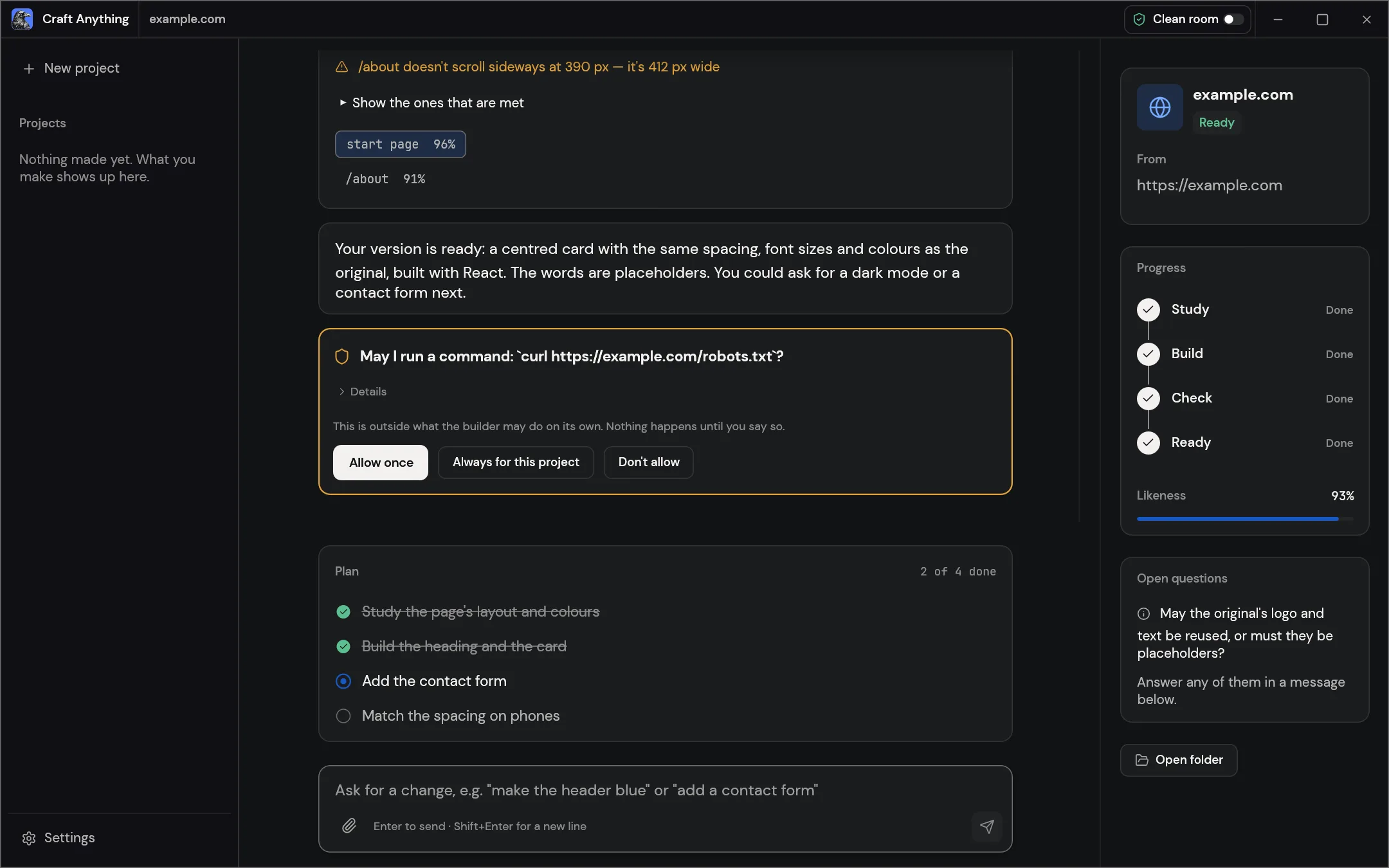
Explore how software works and build your own version.
Explore Craft AnythingOpen source · Free
Report bugs, request features and get early builds of TextureCraft in the ArtCraft Discord.