01PrintCraft
The open-source PDF workbench.
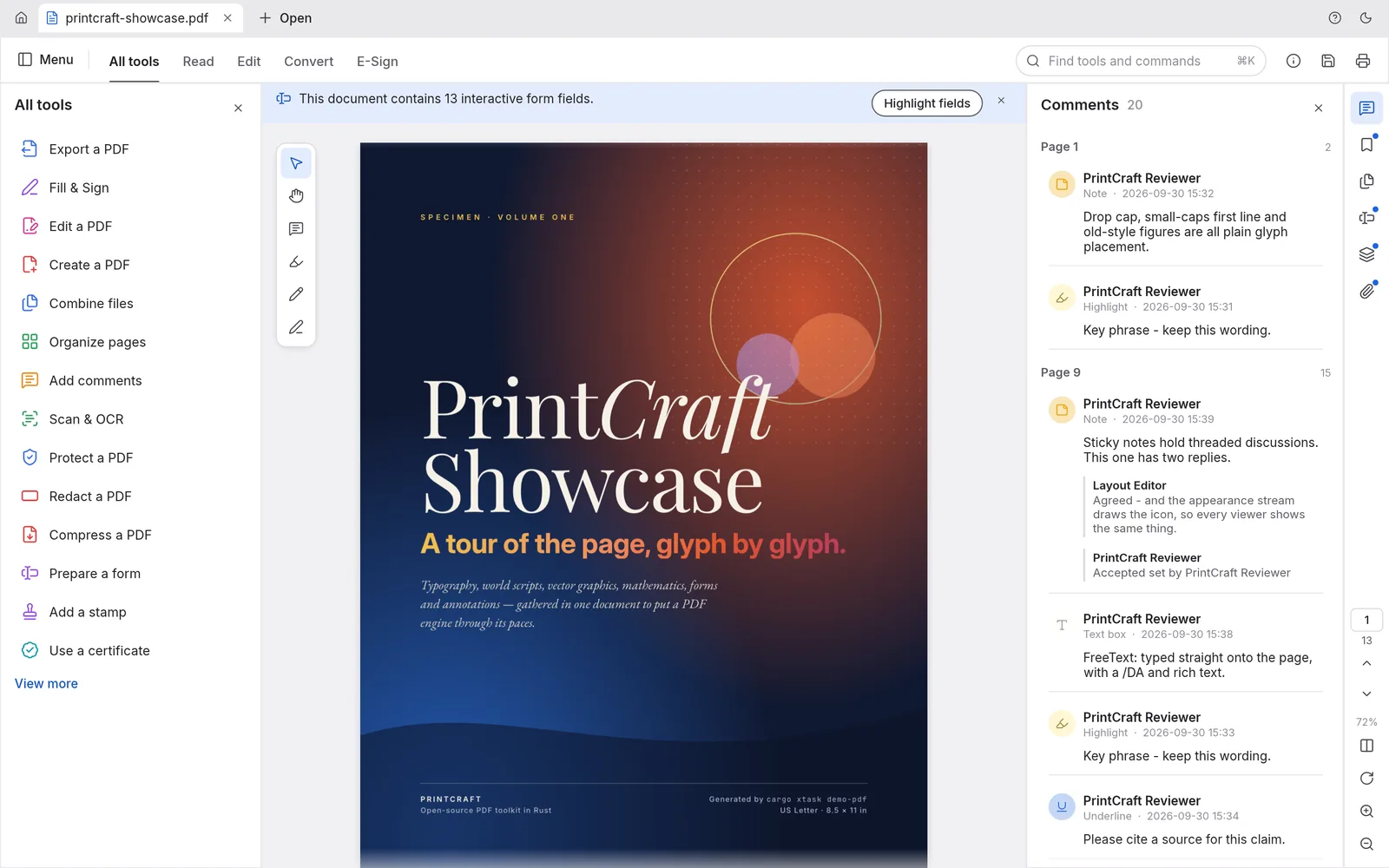
Read, organize, combine, split and secure PDFs in a fast, native app written in Rust from the ground up. No account, no telemetry, no cloud.
macOS · Windows · Linux · Web · Free and open source
Screenshot
02Highlights
What's inside.
01
Faithful rendering
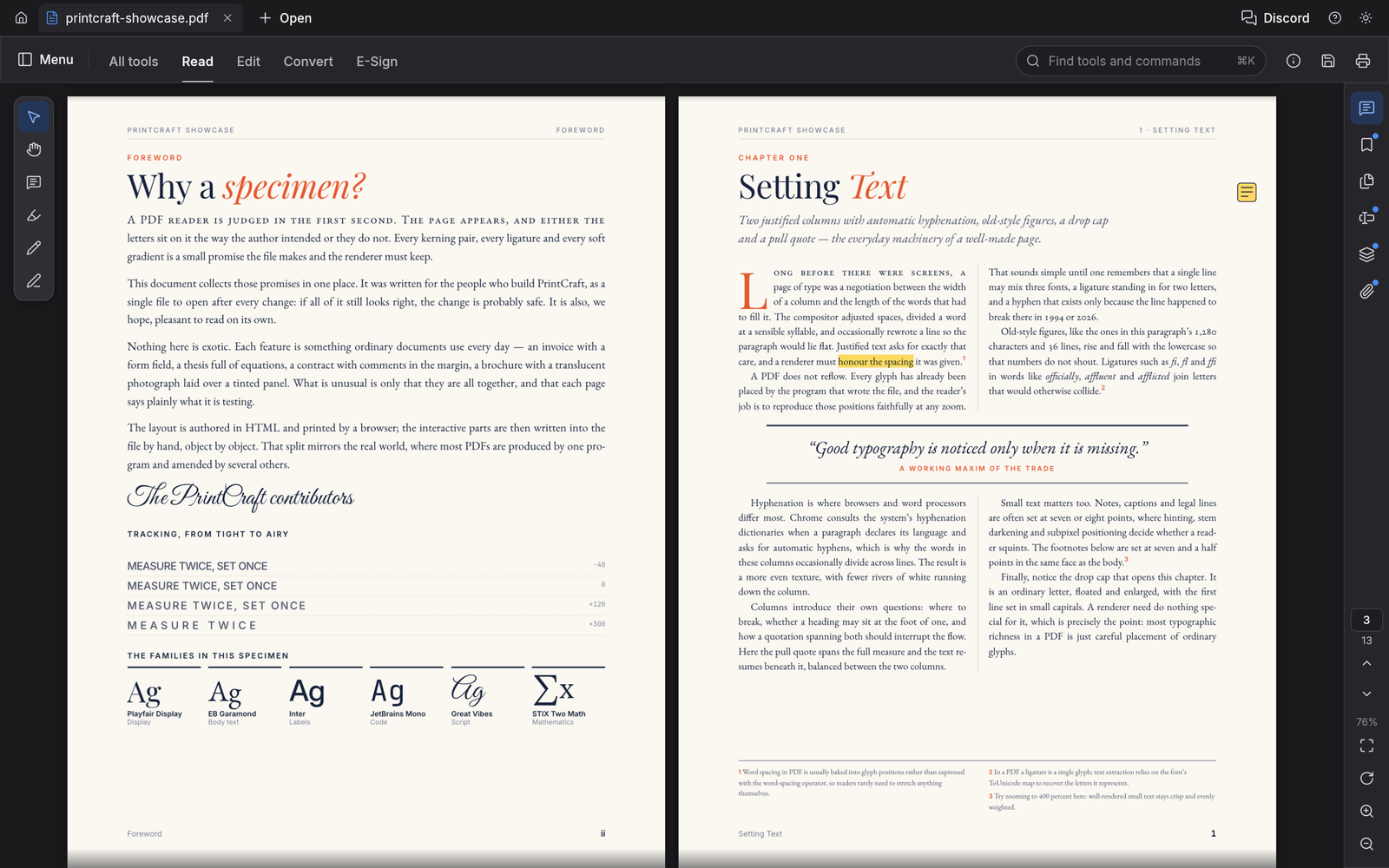
World scripts, vertical Japanese, color emoji and transparency. Zero crashes across a 983-file test corpus.
02
Search as you type
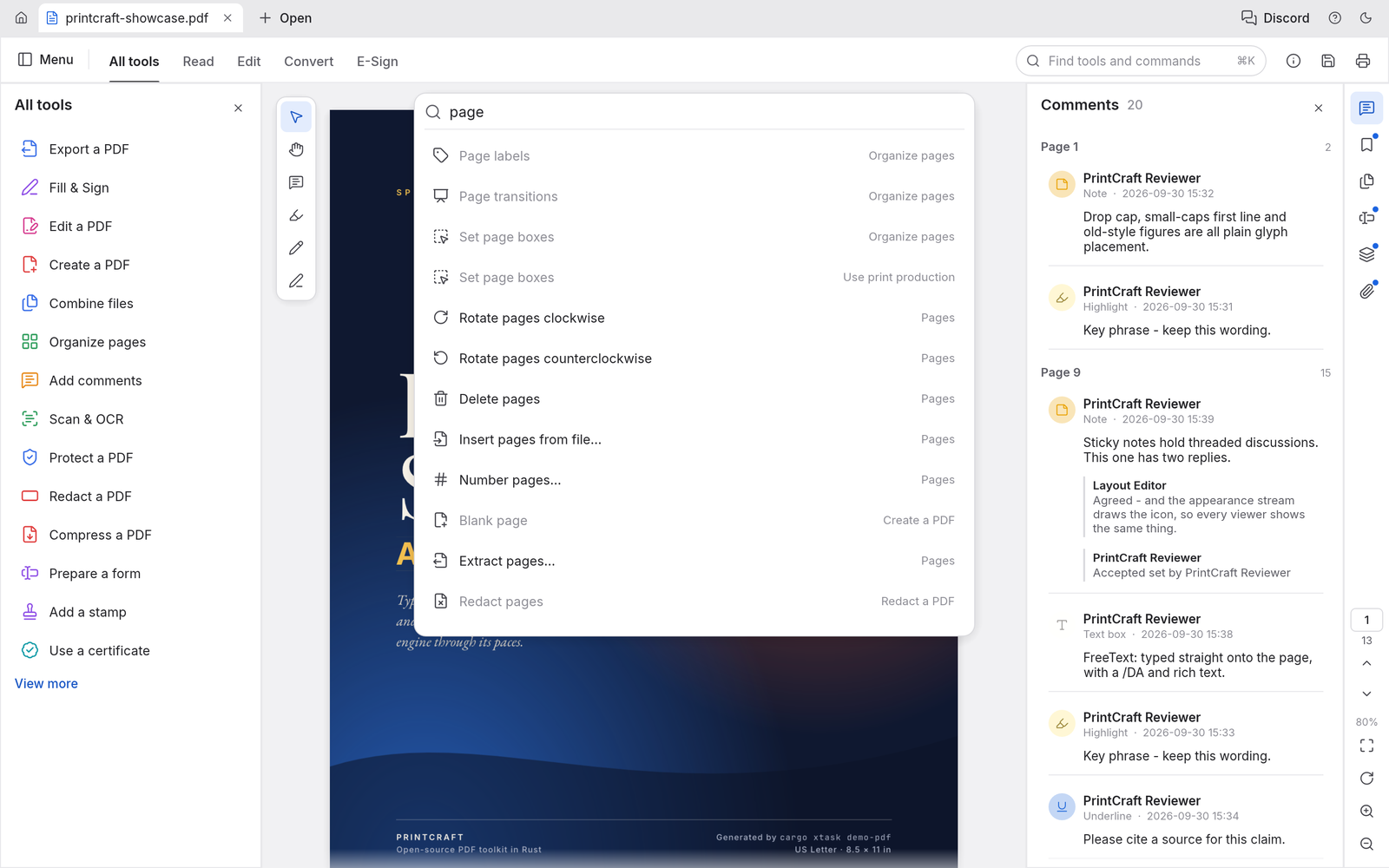
Instant find, and text selection that follows the document's real reading order.
03
Organize like cards
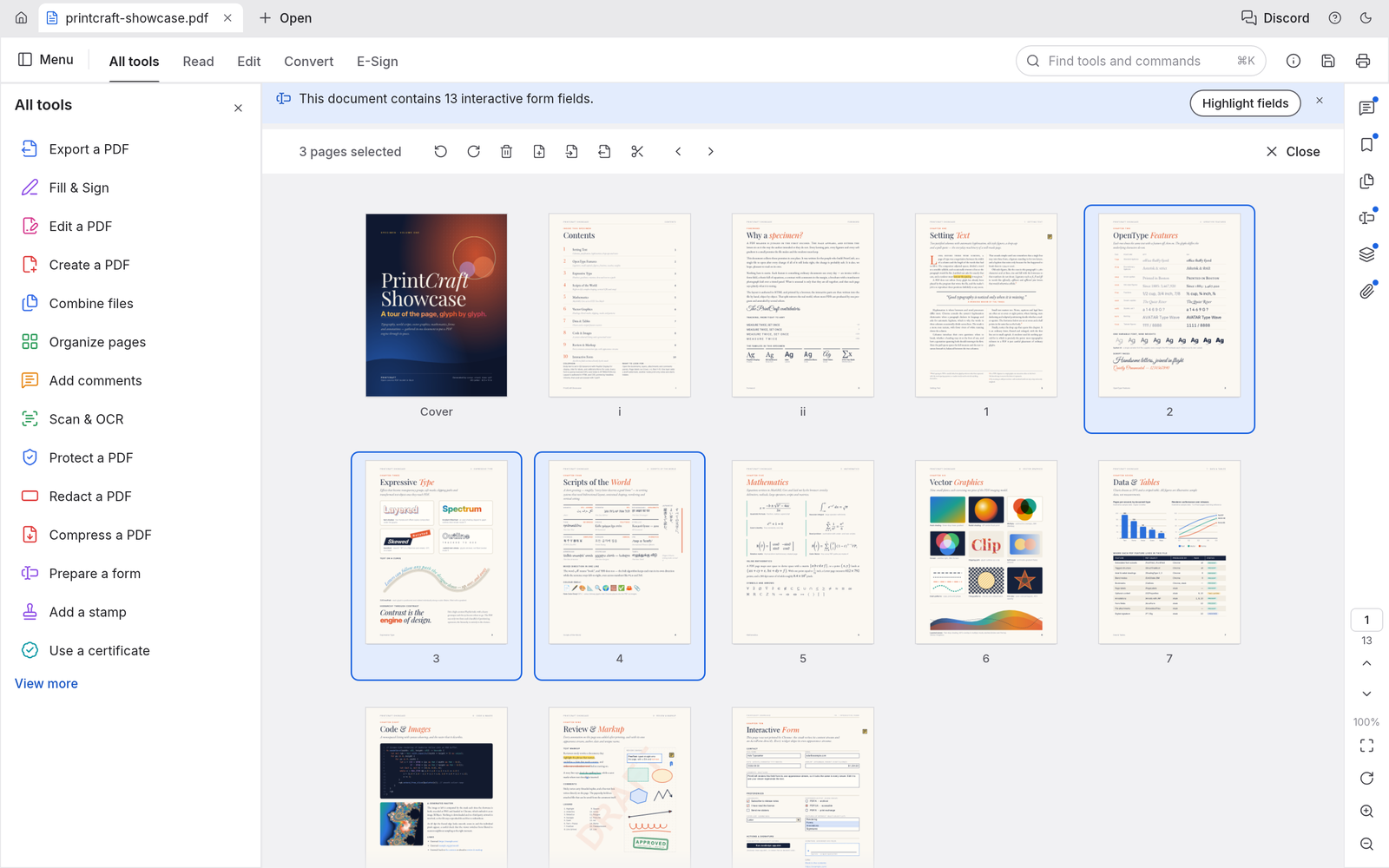
Rotate, delete, insert and reorder pages, with deep undo behind every change.
04
Combine, extract, split
Assemble and break apart documents while keeping links, form fields, layers and bookmarks intact.
05
Fearless saves
Incremental, atomic saves with autosave and crash recovery.
06
Built-in security
Opens everything from RC4 to AES-256 encryption and honors author permissions.
04Get PrintCraft
Installers
Installers are on the way.
Native installers for macOS, Windows, and Linux are coming. Join the ArtCraft Discord to get them first, try early builds and talk with the team building PrintCraft.
Get notified on DiscordBuild from source
Run it today.
Needs Rust 1.90 or newer. New to Rust? Install it with rustup, then run:
git clone https://github.com/storytold/printcraft.git
cd printcraft
cargo run --release -p printcraft05The family
More from the family.
All Crafting AppsImage editor
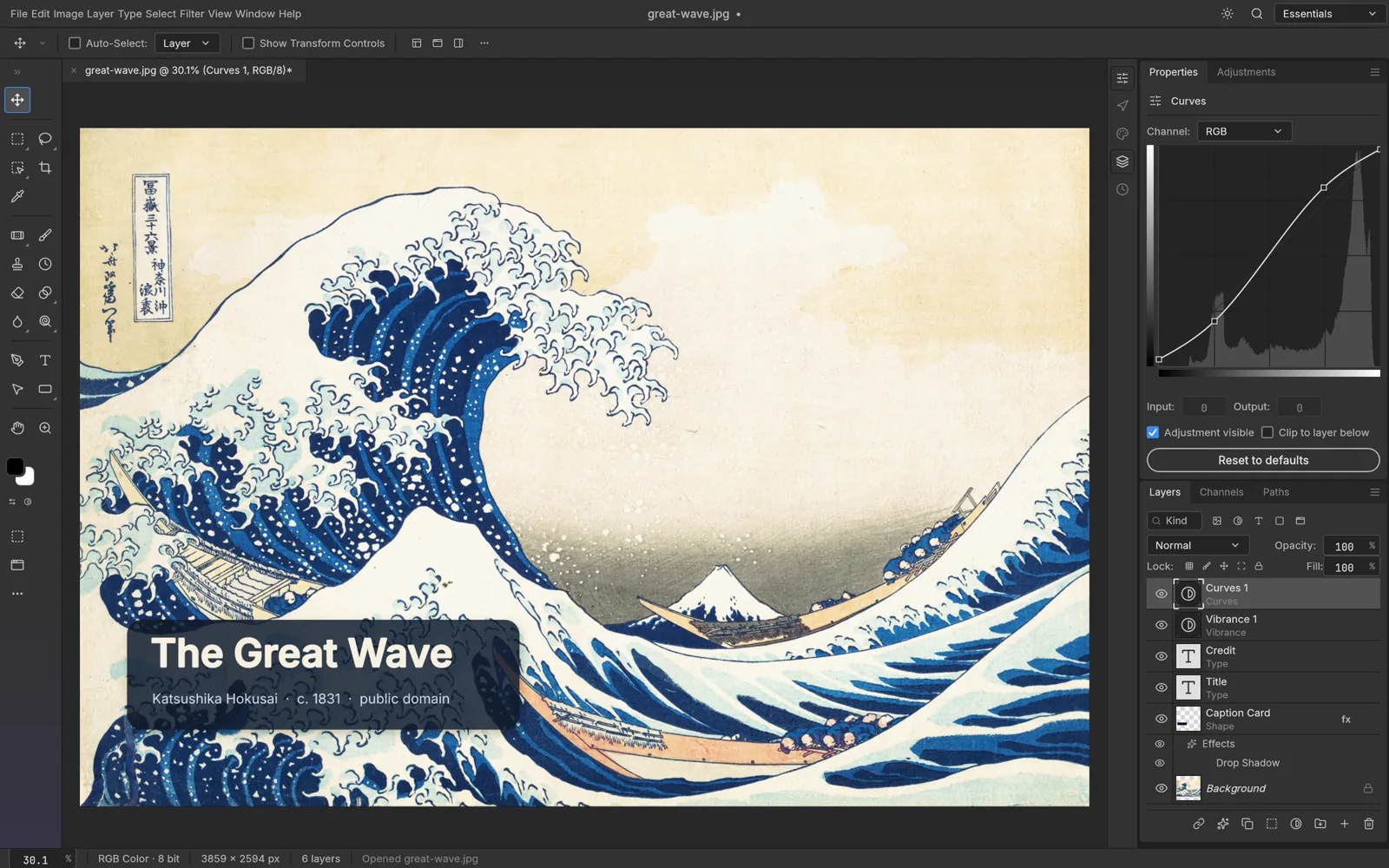
PhotoCraft
The open-source image editor you already know how to use.
Explore PhotoCraftVector illustration
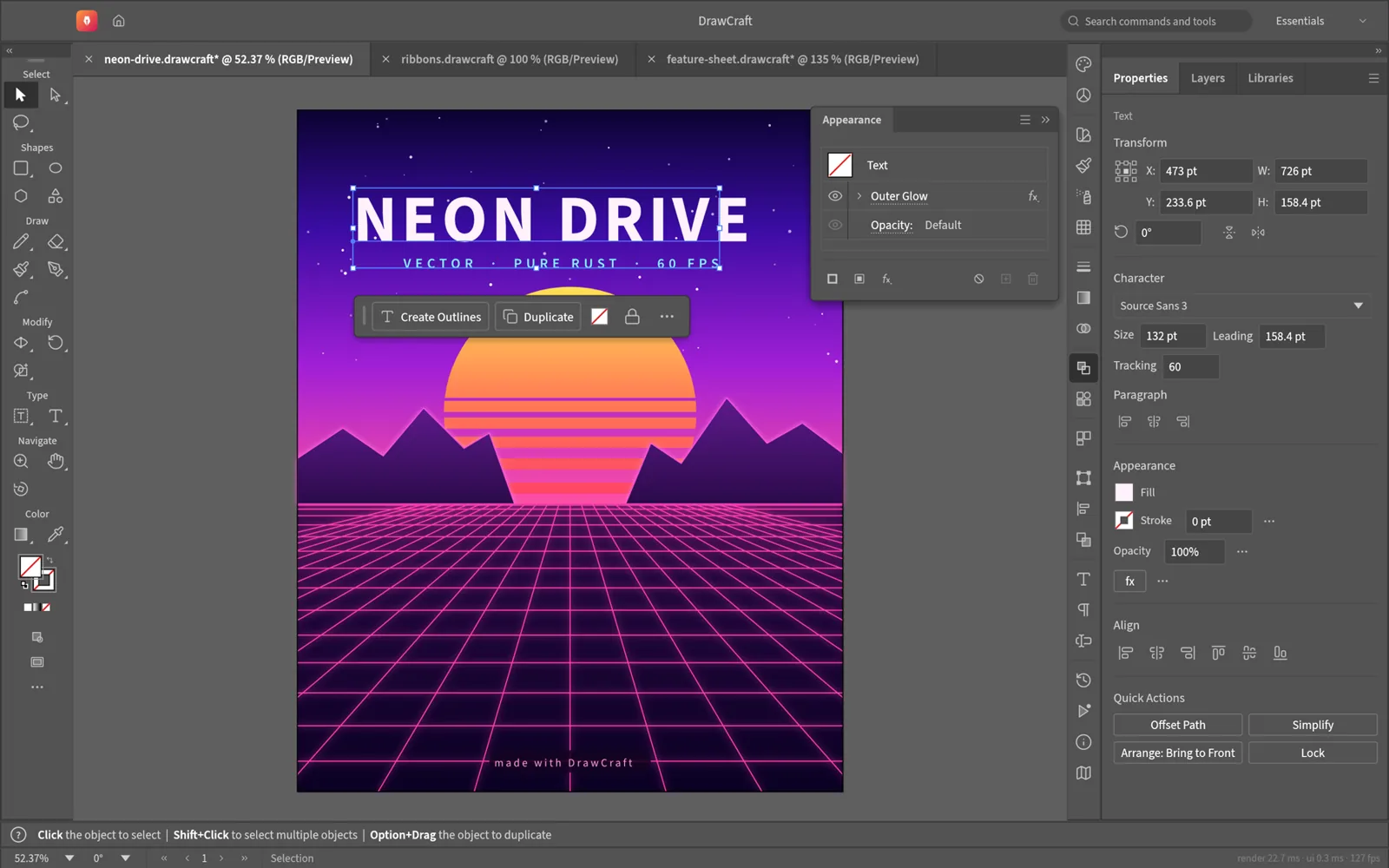
DrawCraft
Fast, open-source vector illustration, reimagined in pure Rust.
Explore DrawCraftVideo editor
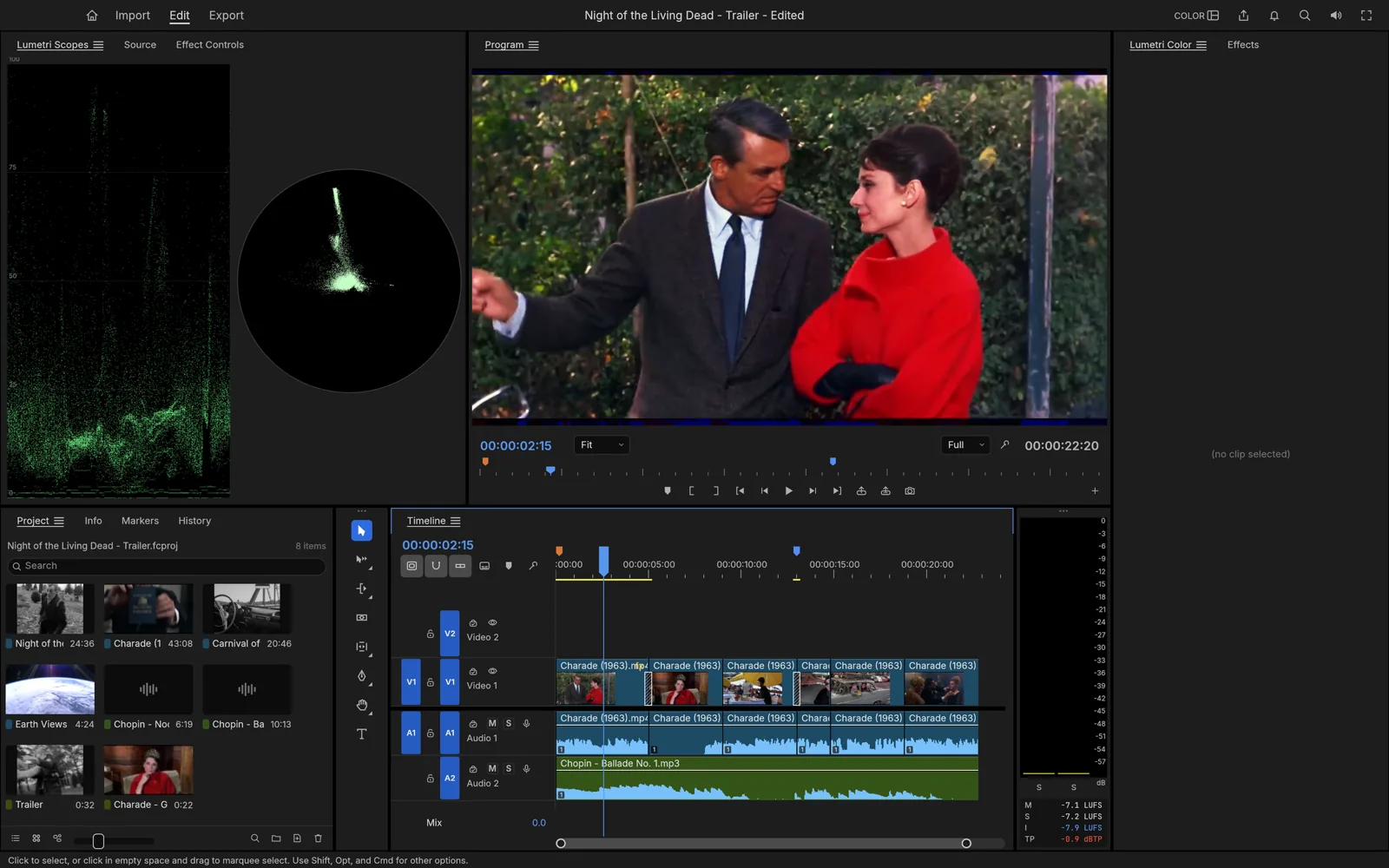
FilmCraft
Professional, open-source video editing, rebuilt from scratch in Rust.
Explore FilmCraftPhoto library & raw developer
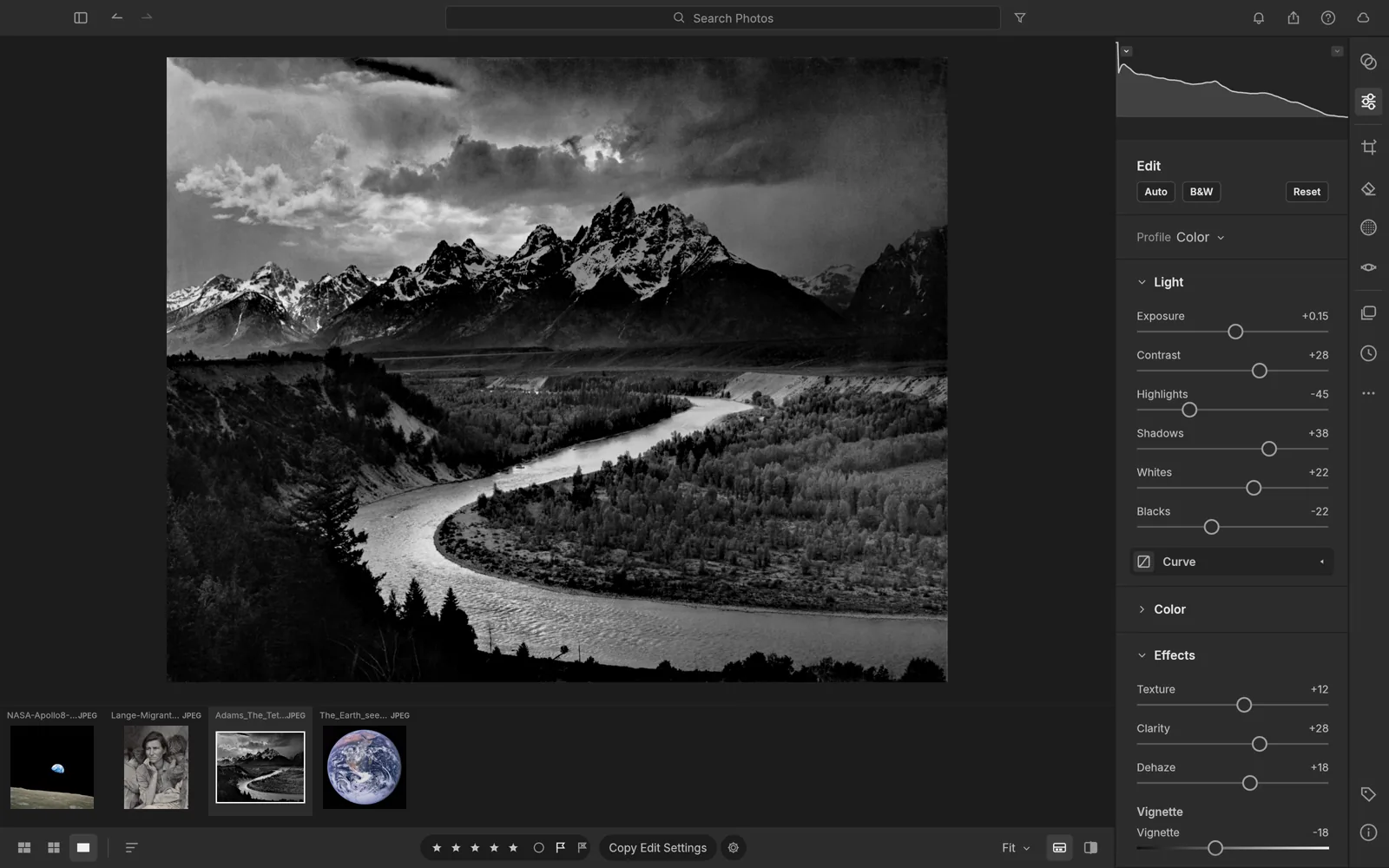
LightCraft
An open-source photo library and raw developer that runs on your machine.
Explore LightCraftOpen source · Free
Help shape PrintCraft.
Report bugs, request features and get early builds of PrintCraft in the ArtCraft Discord.